
Smart Home Automation in Mumbai & Bangalore
A smart home should work for you, not the other way round. We design one system for your lights, curtains, AC, music, TVs, cameras and door, so your home wakes up, welcomes guests and settles down at night the way your family lives. Designed, installed and supported by our own team for over 16 years.
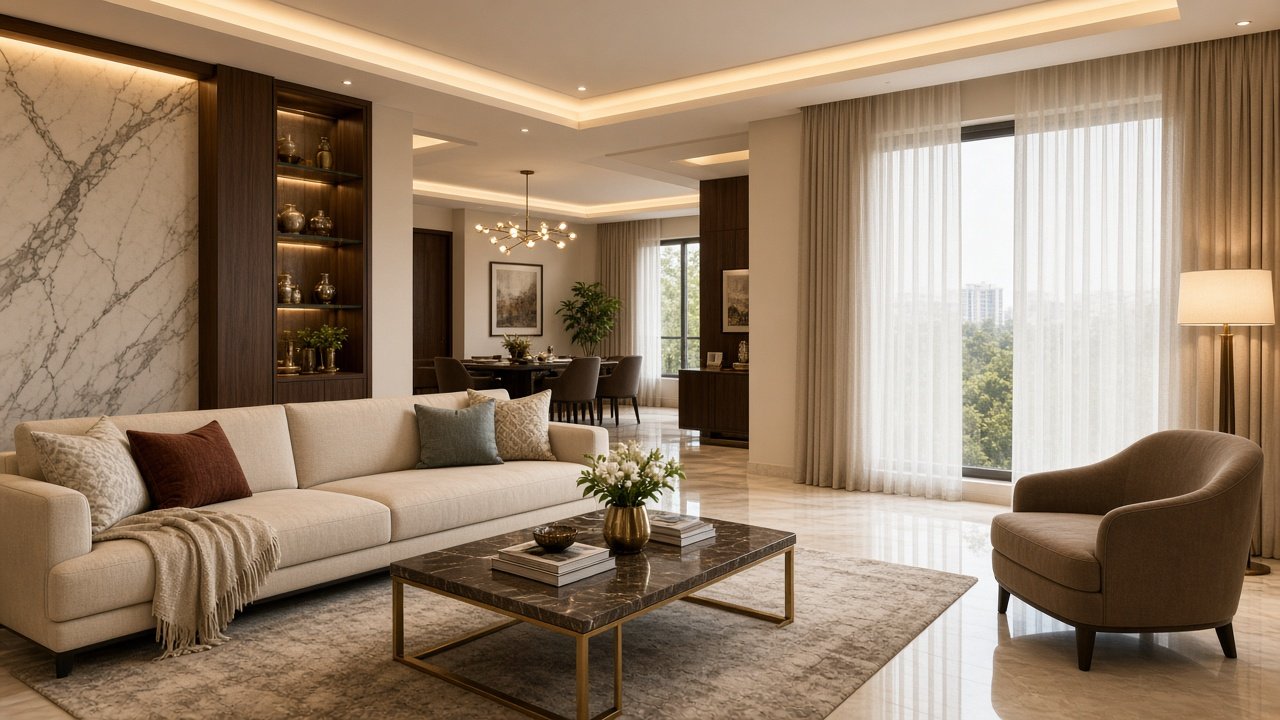
What Is Home Automation?
Home automation connects the things in your home that normally work separately, and lets you run them together.
Think of the switches, remotes and apps you use today: one for the lights, another for the curtains, a remote for the TV, another for the AC, a separate app for the camera. Home automation puts all of these on one system. Instead of operating ten things, you press one button, and the home does the rest.
Good automation is not about showing off technology. It is about everyday comfort. The lights come on at the right level when you walk in, the curtains close when the film starts, the AC is cool before you reach the bedroom, and one button turns everything off when you leave.
- Convenience: one keypad press or one tap replaces a dozen switches and remotes.
- Comfort: lighting, curtains and temperature set for the time of day and the activity.
- Security: cameras, video door phone and fingerprint access in the same system.
- Entertainment: music in every room and a TV or home theatre that starts with one press.
- Control: wall keypads for the family, the app for you, and one place to see it all.
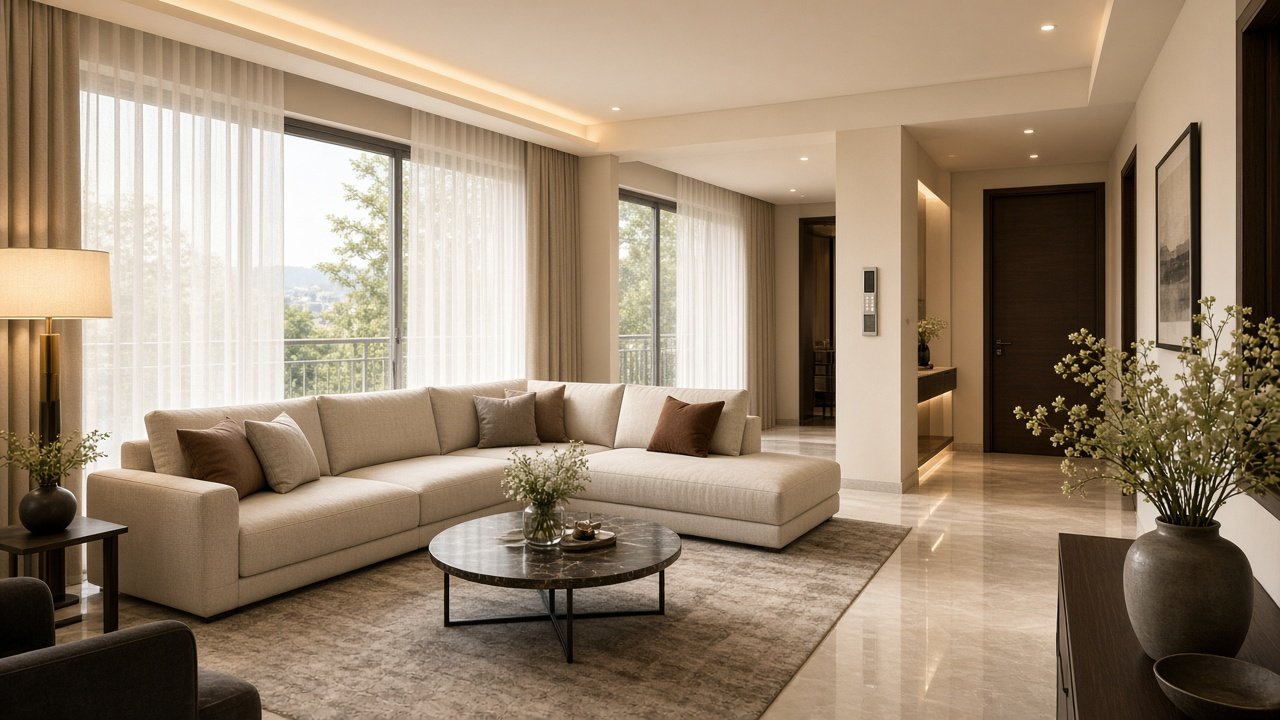
A Day in an Automated Home
The best way to understand automation is to follow a day. These are typical examples of scenes we set up, and every home is planned around its own family and routine.
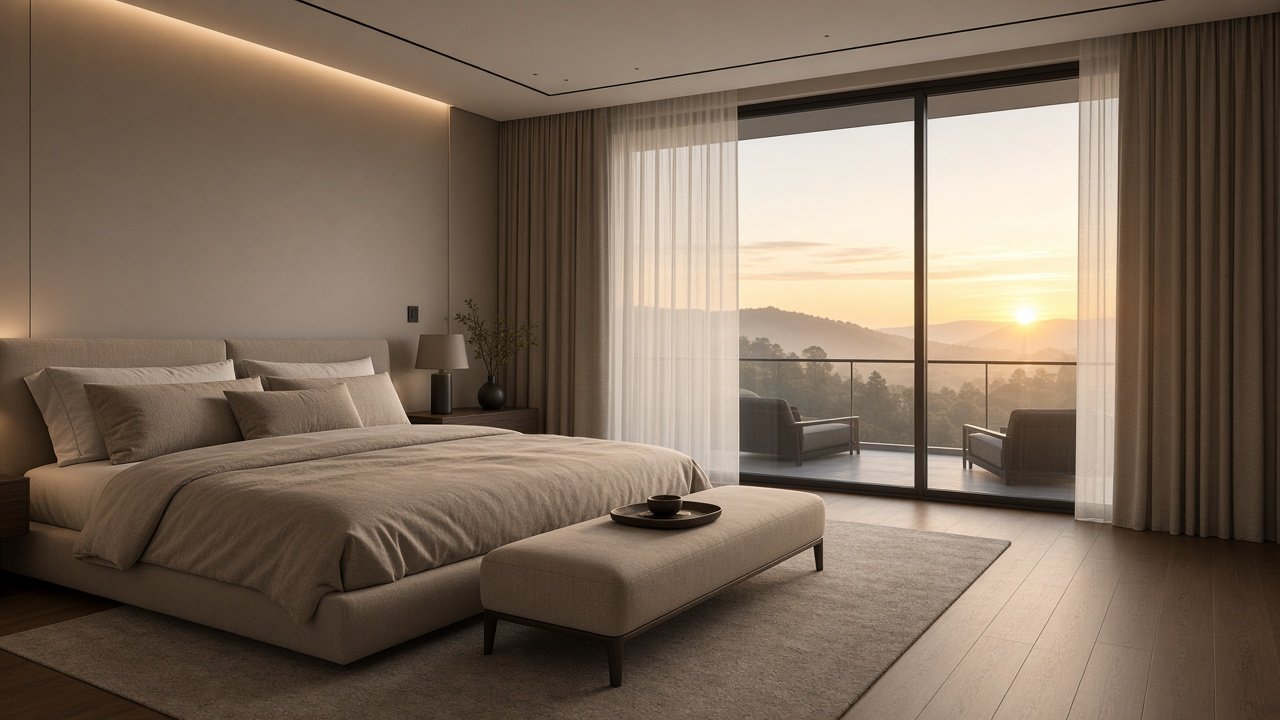
Good Morning
Curtains open slowly, soft lights come on at a low level and the bedroom AC is set for the morning. Music can start in the kitchen while you get ready, all from the bedside keypad or on a schedule.
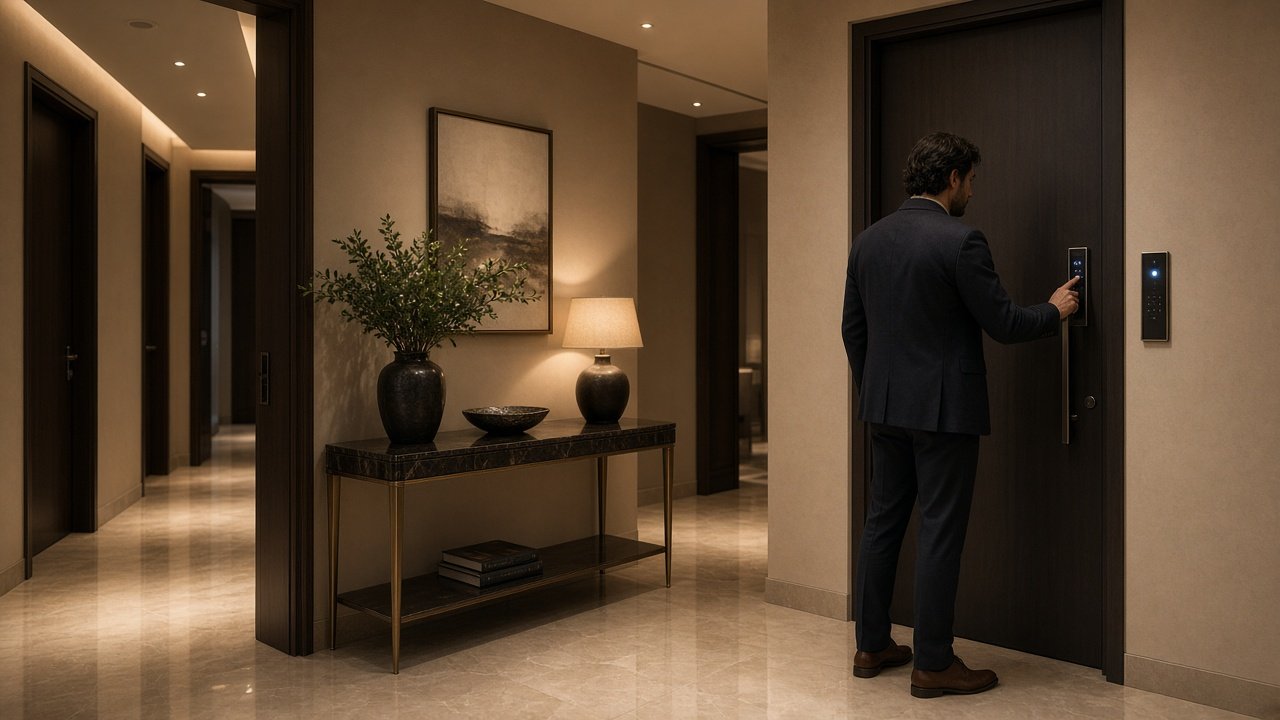
Leaving Home
One "All Off" press at the door turns off lights, fans and AC, and closes the curtains. From your phone you can check the cameras and see who is at the door.
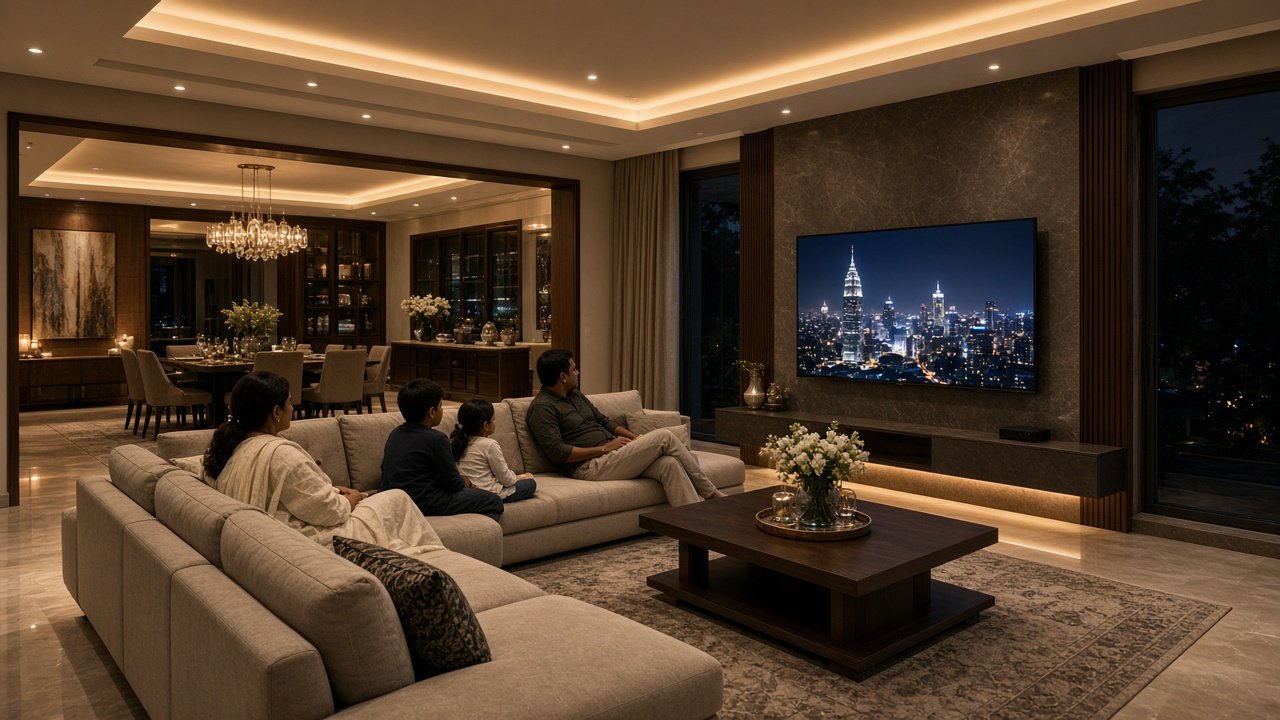
Entertain or Relax
Guests arrive and an "Entertain" scene sets warm lighting and music across the living and dining areas. For a quiet evening, "Relax" dims the lights and brings the TV up.
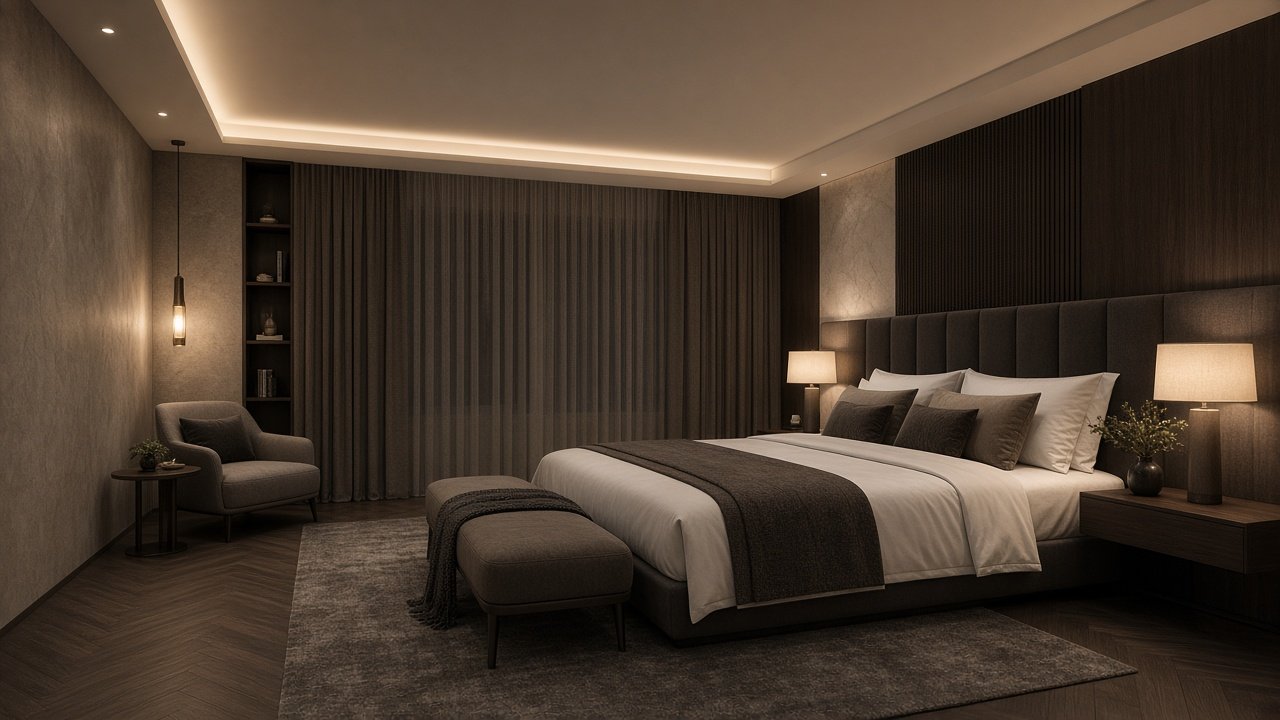
Good Night
One press at the bedside switches off the lights you forgot downstairs, leaves soft night lighting on for the way to the bathroom, closes the curtains and sets the AC for sleep.
Photos are from our own projects. The scenes above are examples of what can be set up, and the actual scenes in your home are planned with your family.
Scenes Are Yours to Change. Scenes are programmed with you and can be edited later in the app, so the home keeps working the way you live as your routines change.
Lighting and Scenes
Lighting is where most people feel automation first. Rows of switches are replaced by slim keypads, and each button runs a scene: the right lights at the right brightness for the moment.
- Scenes: "Entertain", "Night", "Movie" or "All Off", set once and recalled with one press.
- Dimming: chandeliers, cove lights, wall lights and spotlights at the level you like, not just on or off.
- Rooms and zones: control one room, one floor or the whole house.
- Presence-based lighting: motion sensors can bring on the lights in passages and lift lobbies.
- Fans, geysers and more: the same keypad can switch bedroom fans and geysers.
In our Cuffe Parade project, smart lighting covers the puja room, bar and the chandeliers in the living and dining rooms, with scenes such as "Entertain" and "Night" from keypads and the app.
Curtains and Shading
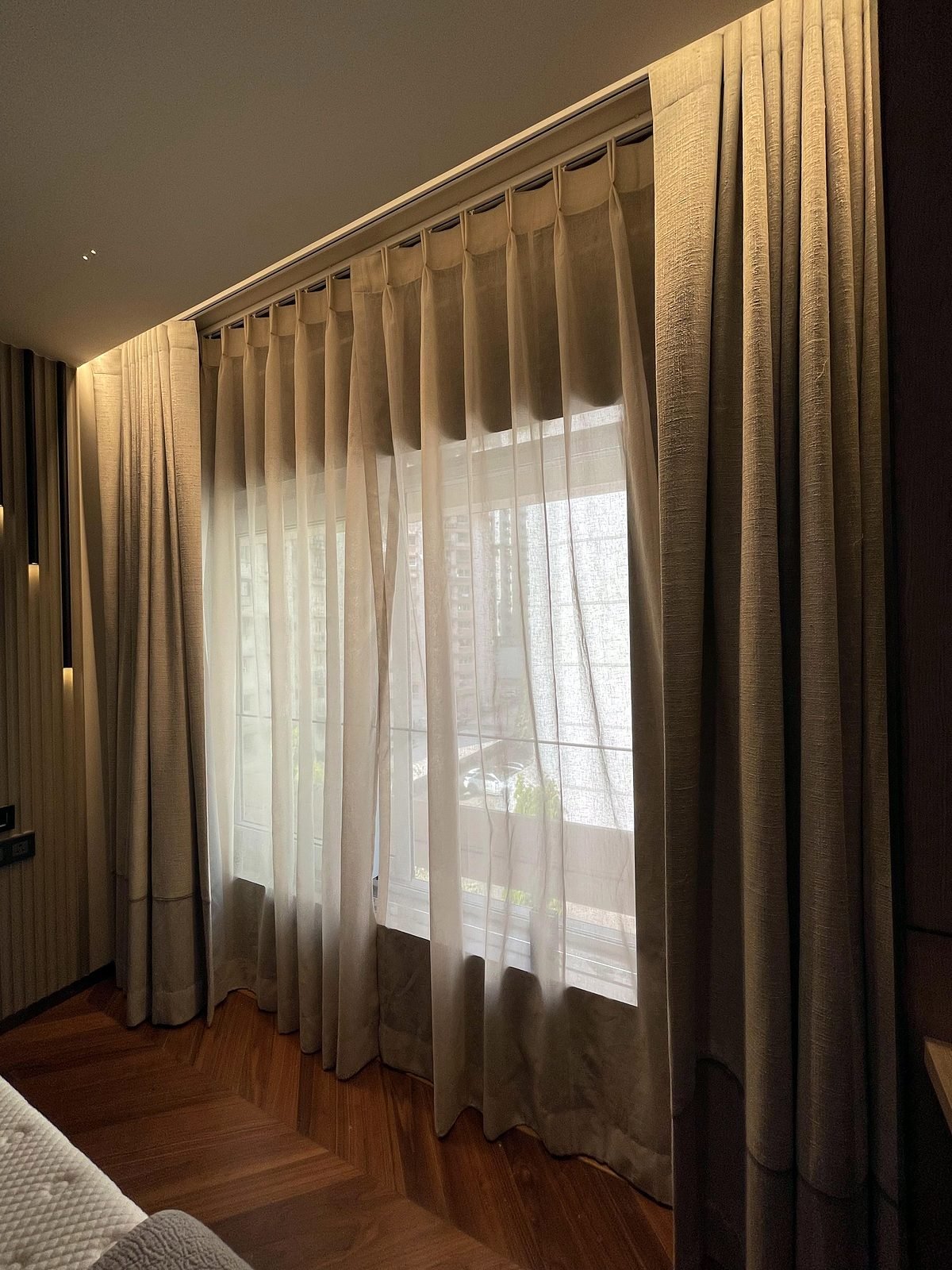
Motorised curtains and blinds change how a home feels. Light, privacy and heat from the sun can all be managed without walking across the room.
- Open and close from the bed or the sofa, from a keypad or the app.
- Main and sheer curtains run separately, so you can keep daylight and privacy together.
- Part of your scenes: curtains close for "Movie" or "Good Night" and open for "Good Morning".
- Schedules: curtains can follow the time of day.
- Retrofit-friendly: in finished homes, battery-powered motors can be used where wiring is not possible.
Our Cuffe Parade project has main and sheer motorised curtains in the living room, dining room, bedrooms and den, and our Nagpur project has dozens of motorised curtains and blinds across six floors.
Climate and AC Control
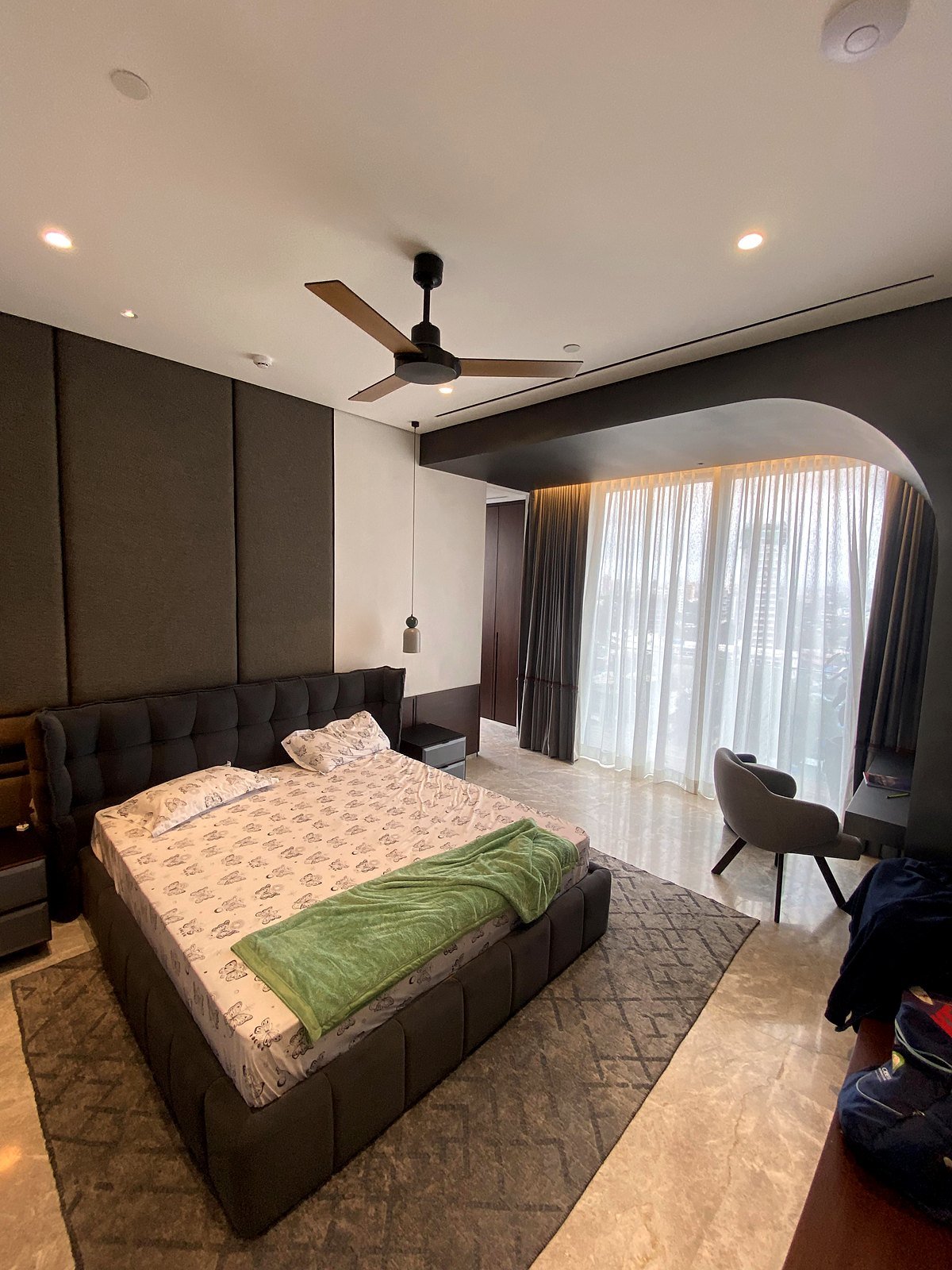
Air conditioning is one of the biggest comforts in a Mumbai or Bangalore home, and one of the easiest to forget. We bring the AC into the same system so it works with everything else.
- Wall thermostat keypads in each room, matching the rest of your switches.
- One app for every AC, instead of a separate remote for each one.
- Cool before you arrive: start the AC from your phone or on a schedule.
- Scenes include climate: for example, a "Housefull" scene in our Lower Parel project takes the AC down to 18 °C and the fan to high for a full house.
- Works with most AC units: we connect the home's existing or new AC through a control bridge, and check compatibility before design.
In our Bandra project the AC in all the main rooms is controlled from the app and selected keypads, and our Nagpur project has a dedicated AC keypad on every floor.
Multi-Room Audio and Video
Music should follow you through the home, and every TV should be as easy to use as the first one. A central music server and a multi-zone amplifier mean different music can play in different rooms at once, or the same song everywhere.
- Music in every room: discreet in-ceiling speakers in living areas, balconies, even bathrooms.
- Zones with separate volume: group rooms together for a party, or keep the bedroom quiet.
- Your services: stream from apps such as Spotify, Tidal and AirPlay.
- Control from keypads: change the song or the volume from a wall keypad, the app or a remote.
- TVs and sources: Apple TV, set-top boxes and game consoles, all selected from one remote or app.
Our Bandra project has two audio zones covering the living room and balcony, and our Nagpur project has 31 indoor and 2 outdoor music zones across six floors. Read more about home audio and surround sound.
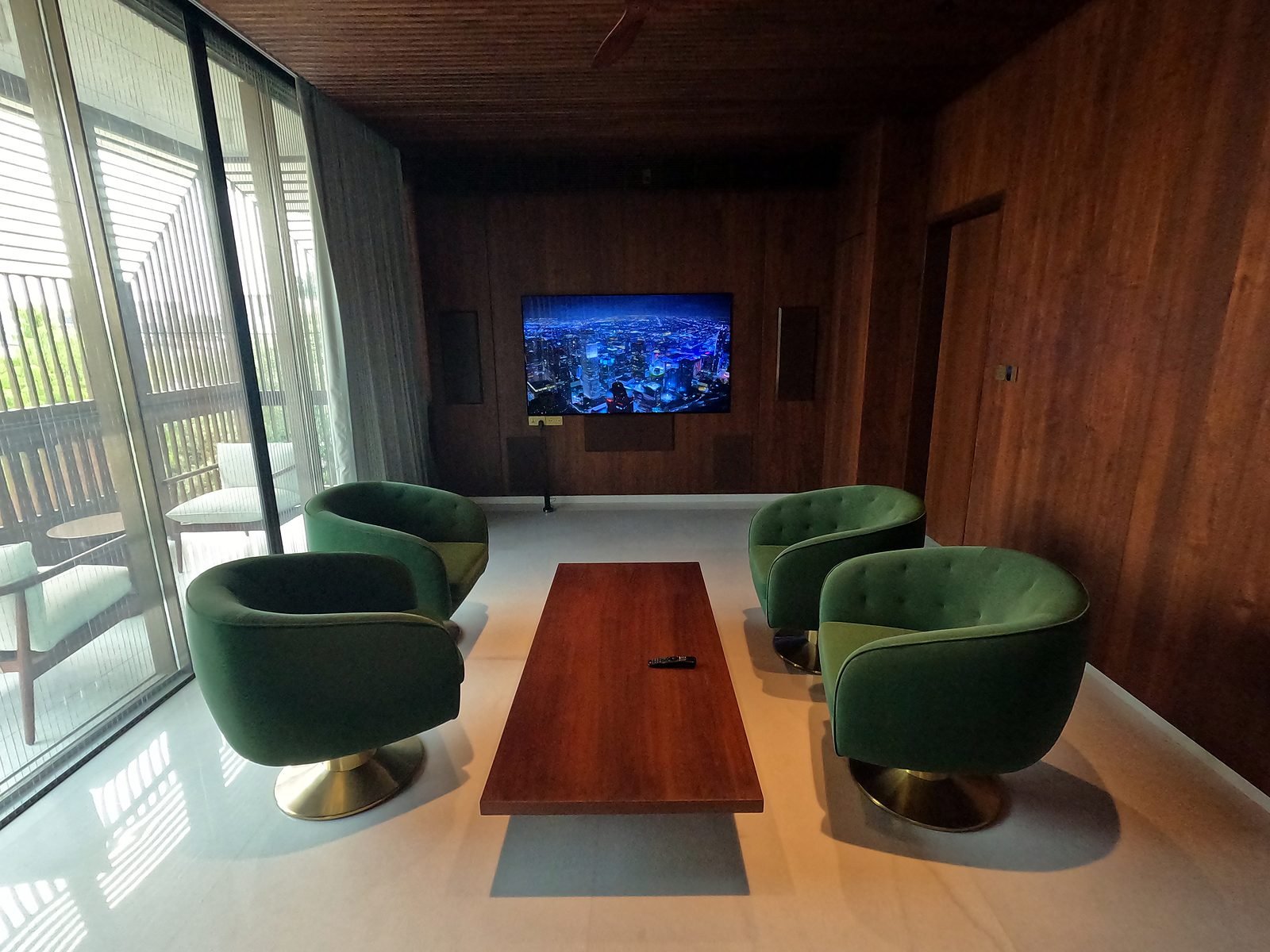
Home Theatre and Media Rooms
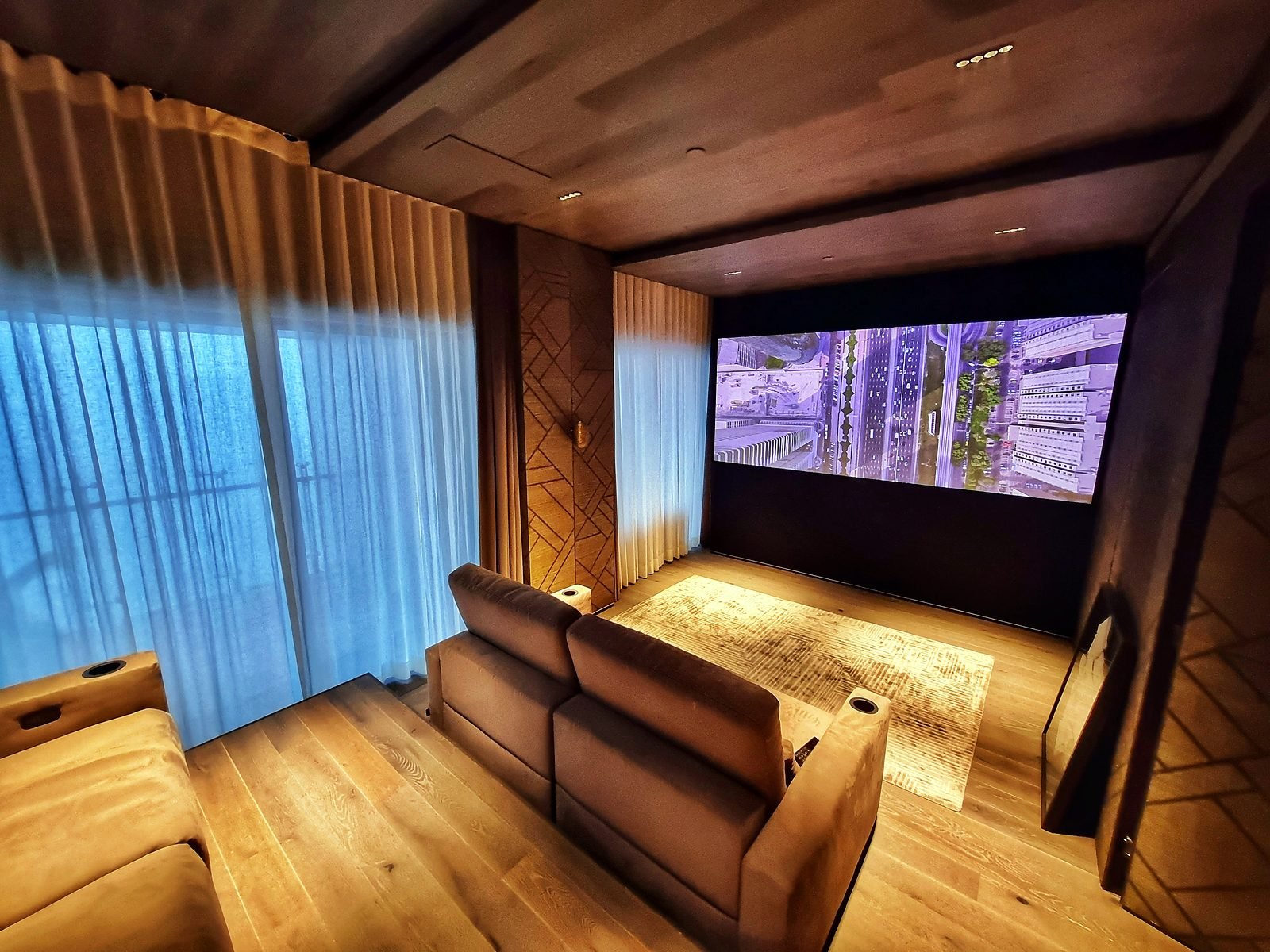
A home theatre is where automation pays off most visibly. One press of "Movie" starts the projector, selects the source, closes the curtains, lowers the lights and raises the screen if it is motorised.
- One-touch start: projector, processor and amplifier come on together with the right input.
- Lighting and curtains in the scene: the room is ready by the time the film starts.
- Hidden equipment: projectors and screens can lift, drop or disappear when not in use.
- Calibrated sound and picture: our theatres are tuned with room correction and colour calibration.
Our Lower Parel project controls the theatre, lighting and AC from the Savant remote and app, with Party, Theatre and Housefull scenes. We also build dedicated rooms such as our Goa villa Dolby Atmos theatre. See our home theatre page for more.
Security, Cameras and Access
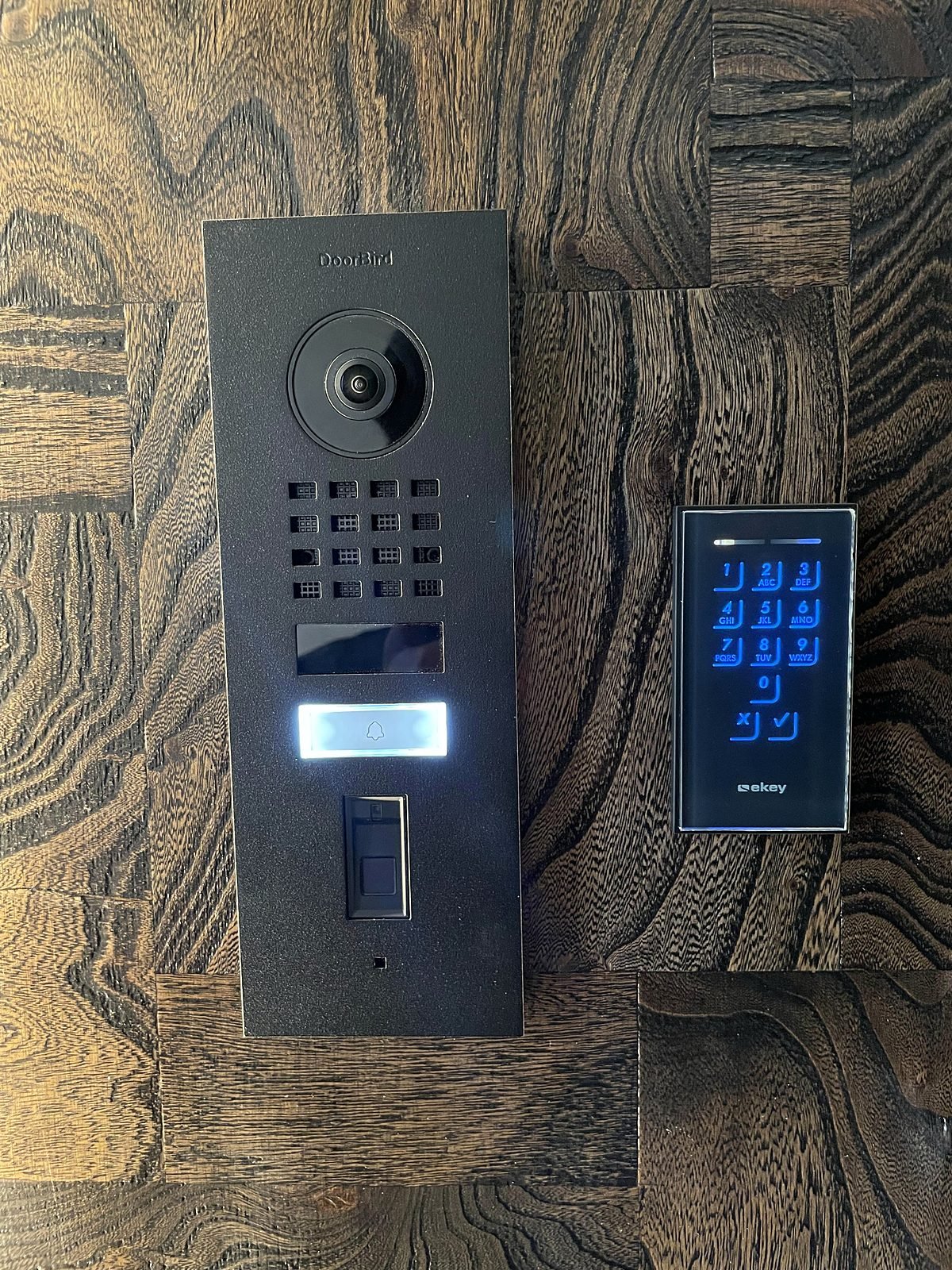
Video Door Phone
See who is at the door from the touch screen at home or from your phone, even when you are away.
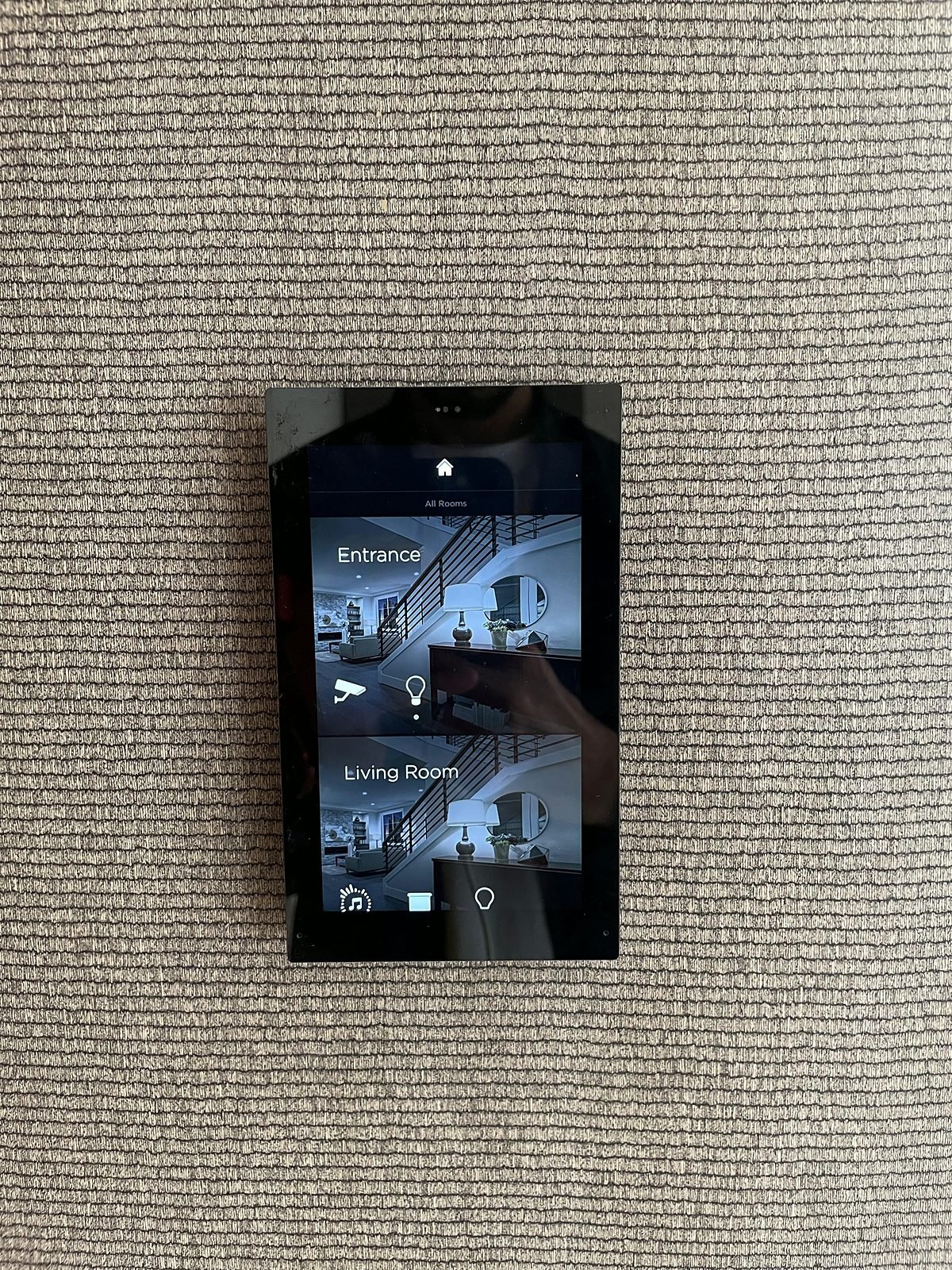
Cameras on Your Phone
IP cameras can be viewed live on your phone and on the home touch screens, alongside lighting and music controls.
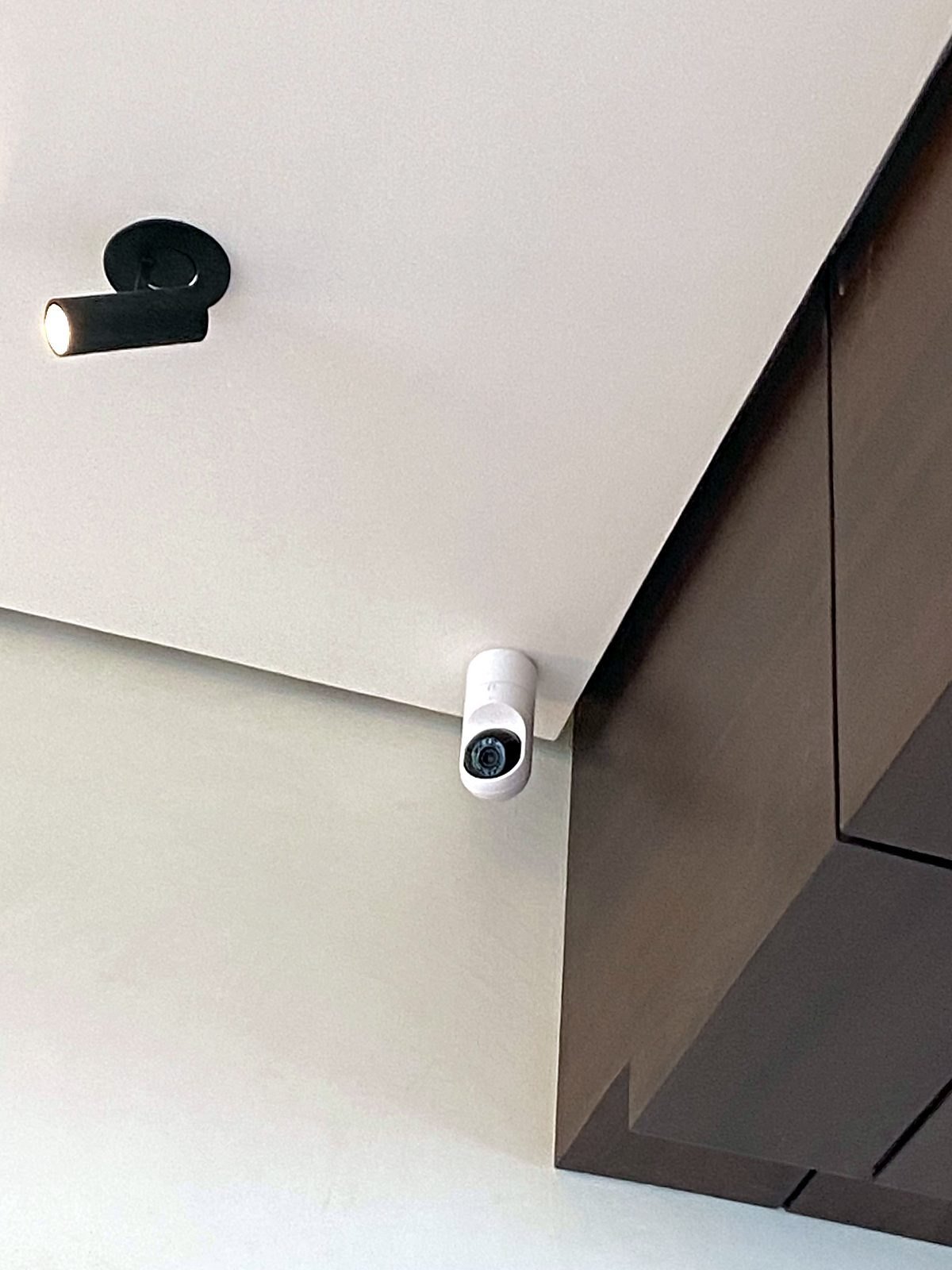
Discreet Placement
Cameras go where they matter: entrance, lift lobby, balconies and living areas, placed so they blend with the interior.
Security works best when it is part of the same system, not an add-on. A camera feed on the same screen as your lighting means one app to learn, and one team to call.
- Cameras you can view from your mobile, live, wherever you are.
- Video door phone at the main entrance.
- Fingerprint access with electric locks for main doors, lift lobbies and wardrobes where privacy matters.
- Motion sensors in passages and lobbies that can also trigger lighting.
Our Bandra project has five cameras, a video door phone and fingerprint-controlled locks. See more on smart security systems.
Networking and Wi-Fi
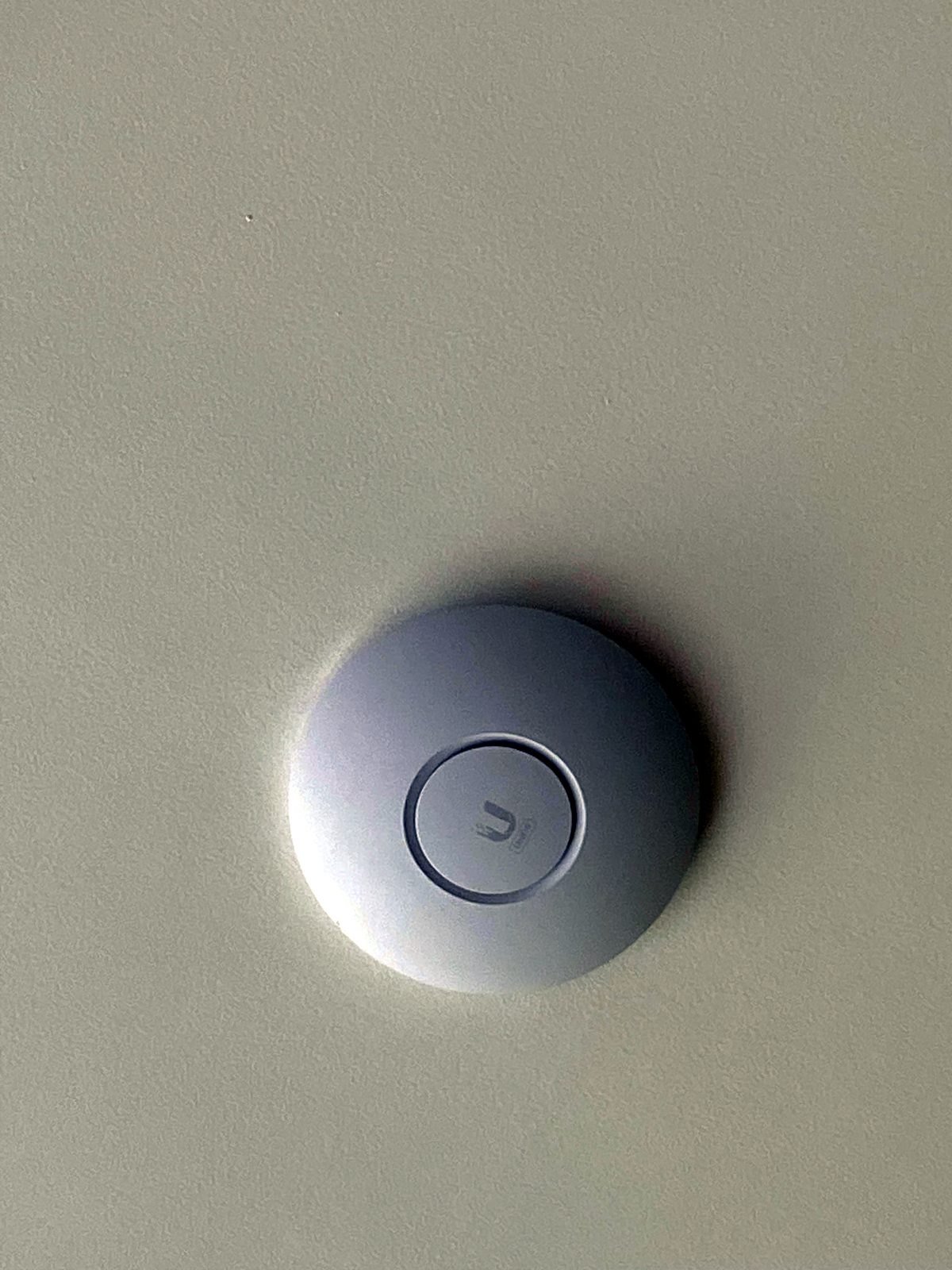
Every smart home depends on a network. If the Wi-Fi is weak, the cameras drop, the music stutters and the app is slow. That is why we design the network together with the automation, not as an afterthought.
- Wi-Fi access points placed room by room so coverage is even, instead of one router in a corner.
- A proper rack with switches, a router and surge protection, housed neatly out of sight.
- Remote monitoring so we can look after the system after handover.
- Planned cabling behind the walls for cameras, access points, TVs and speakers.
Our Bandra project uses Ubiquiti Wi-Fi 6 access points in the living room and bedrooms, with a managed switch, and our Nagpur project has 25 indoor and 3 outdoor access points. Read more about our networking and Wi-Fi service.
Control Options: Keypads, Touch Panels, App and Voice
Everyone in the house should be able to use the system without learning anything. We give you several ways to control it, and you use whichever suits the moment.
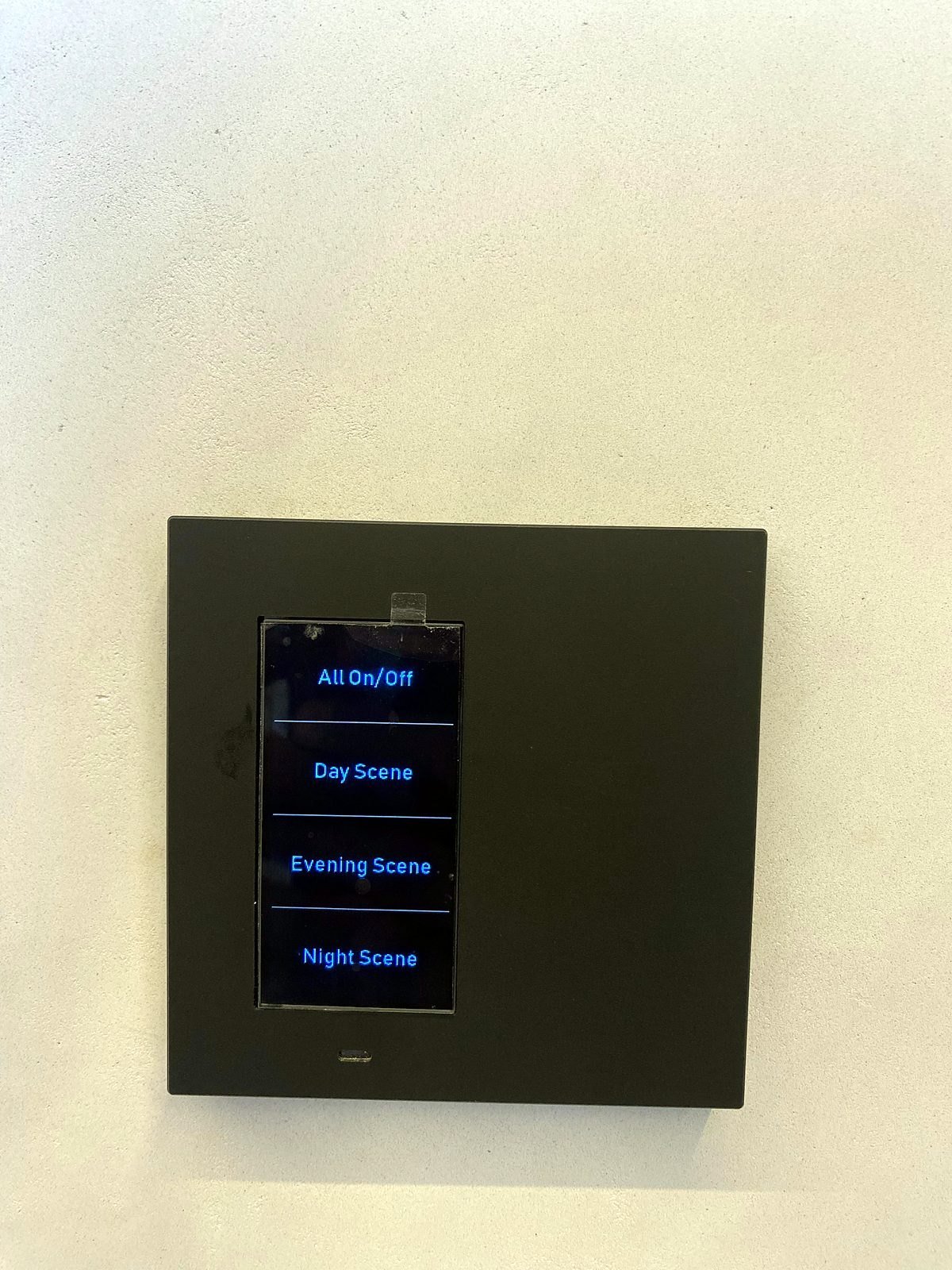
Keypads
Slim keypads sit where your switches used to be. Each button runs a scene, and selected keypads include audio and thermostat pages.
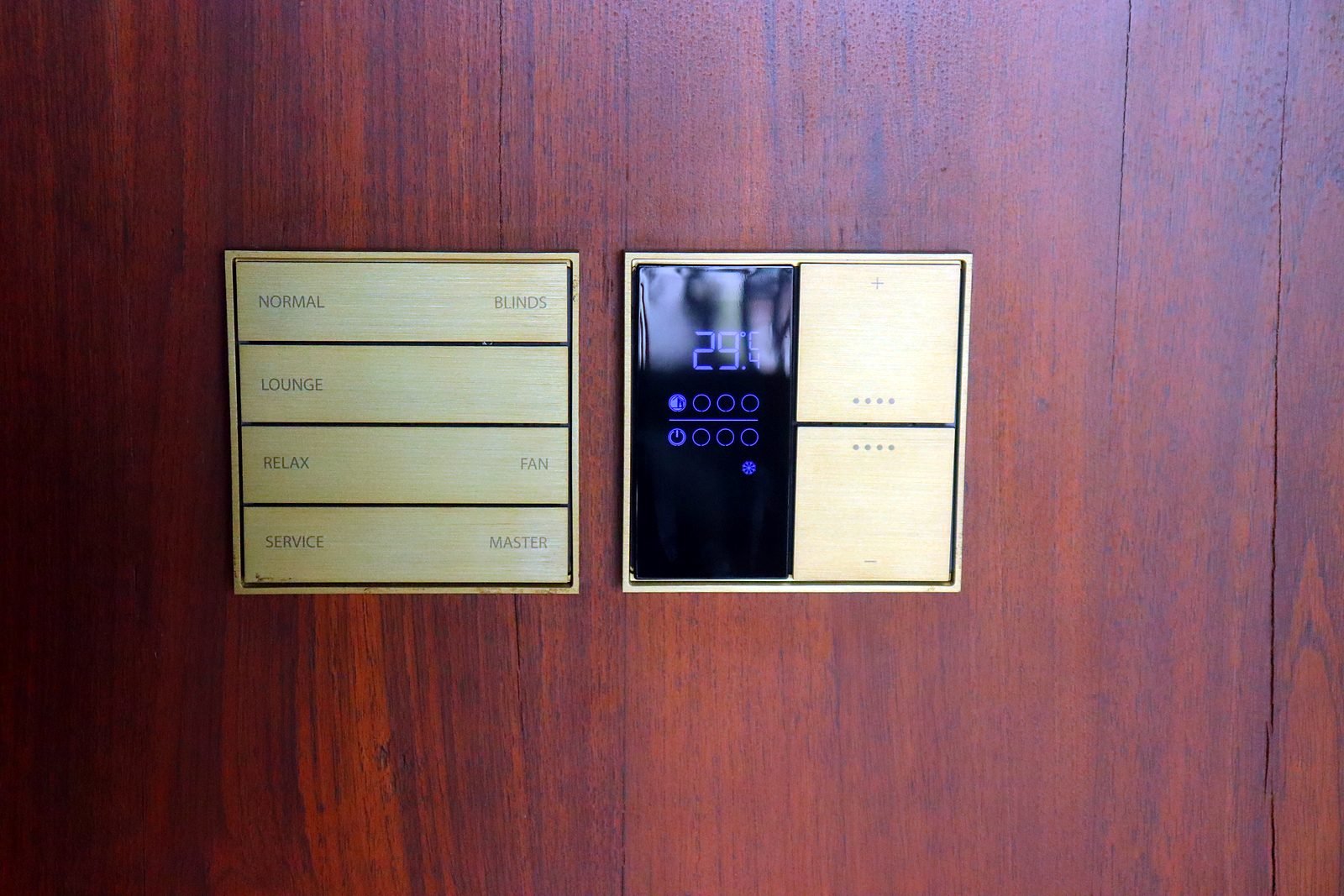
Engraved Scene Buttons
Buttons can be engraved with your own scene names, so the whole family and the staff know what each one does.
- Touch panels: an in-wall touch screen at the entrance or in the living room shows rooms, cameras and scenes, for family members who prefer a screen to buttons.
- Phone app: control the home from the sofa or from anywhere, and check cameras.
- Remotes: a handheld remote for the living room and theatre.
- Schedules and automation: things that happen on their own, such as curtains and lights at set times.
- Voice control: speaker or phone assistants can be added where the system supports it, and we confirm what is possible for your setup at design stage.
Keypads stay on the wall for guests and household staff, so nobody depends on a phone to turn on a light.
KNX vs Wireless vs Savant: What Is the Difference?
These names are often compared, but they do different jobs. Here is how we use them, so you can ask the right questions of any provider.
| KNX | Wireless Systems | Savant | |
|---|---|---|---|
| What it is | A wired, open standard for building control, supported by many manufacturers. | Battery or mains devices that talk over radio, such as wireless curtain motors and plug-in controllers. | A control and experience platform: app, remotes, touch screens, scenes, music and AV control. |
| Where we use it | The backbone for lighting, curtains, fans and geysers in our Bandra, Cuffe Parade and Nagpur projects. | Where wiring cannot be added, for example a battery-powered curtain motor in our Goa theatre. | The control layer in our Bandra, Cuffe Parade, Nagpur and Lower Parel projects. |
| Best suited to | New builds and renovations where cables can go into the walls. | Retrofits, single rooms and smaller additions. | Homes that want one polished app and remote for lighting, AC, music, TV and theatre. |
| Worth knowing | Needs planning at the wiring stage. | Easier to add, but each device has its own limits. | Works together with KNX and other systems, not as a replacement for the wiring. |
In most of our larger homes the answer is a combination: KNX wiring for the lights, curtains and fans, Savant for the app and entertainment, Ekinex keypads on the wall, CoolMasterNet for AC and Ubiquiti for the network. For a smaller retrofit, a simpler setup may be better value. We recommend what suits your home, not the other way round.
Planning Your Home Automation
The earlier automation is planned, the easier and better it is. Here is what to expect.
New Build
The ideal time. We work with your architect and interior designer, mark switch, keypad, speaker, camera and curtain-motor positions on the drawings, and run the cabling before walls are closed.
Retrofit
A finished home can still be automated. We plan around existing walls and finishes, use wireless options where cabling is not possible, and keep disruption to a minimum.
Wiring Stage Matters
Wiring is the one thing that is hard to change later. If you are building or renovating, bring us in before the electrical layout is final, even if you will install the automation later.
- 1
Consultation
We visit or video-call, understand your home and how your family lives, and agree a brief.
- 2
Design
A room-by-room plan, scenes and a clear quote, coordinated with your architect or interior designer.
- 3
Installation
Our own team handles wiring, installation and programming, in new builds or retrofits.
- 4
Handover and Support
We set up the scenes the way you use them, show the family how it works, and stay on for support, with AMC available.
Timeline. Most home automation projects take 2 to 8 weeks from design sign-off, depending on the size of the home and whether it is a new build or a retrofit.
Who Is Home Automation For?
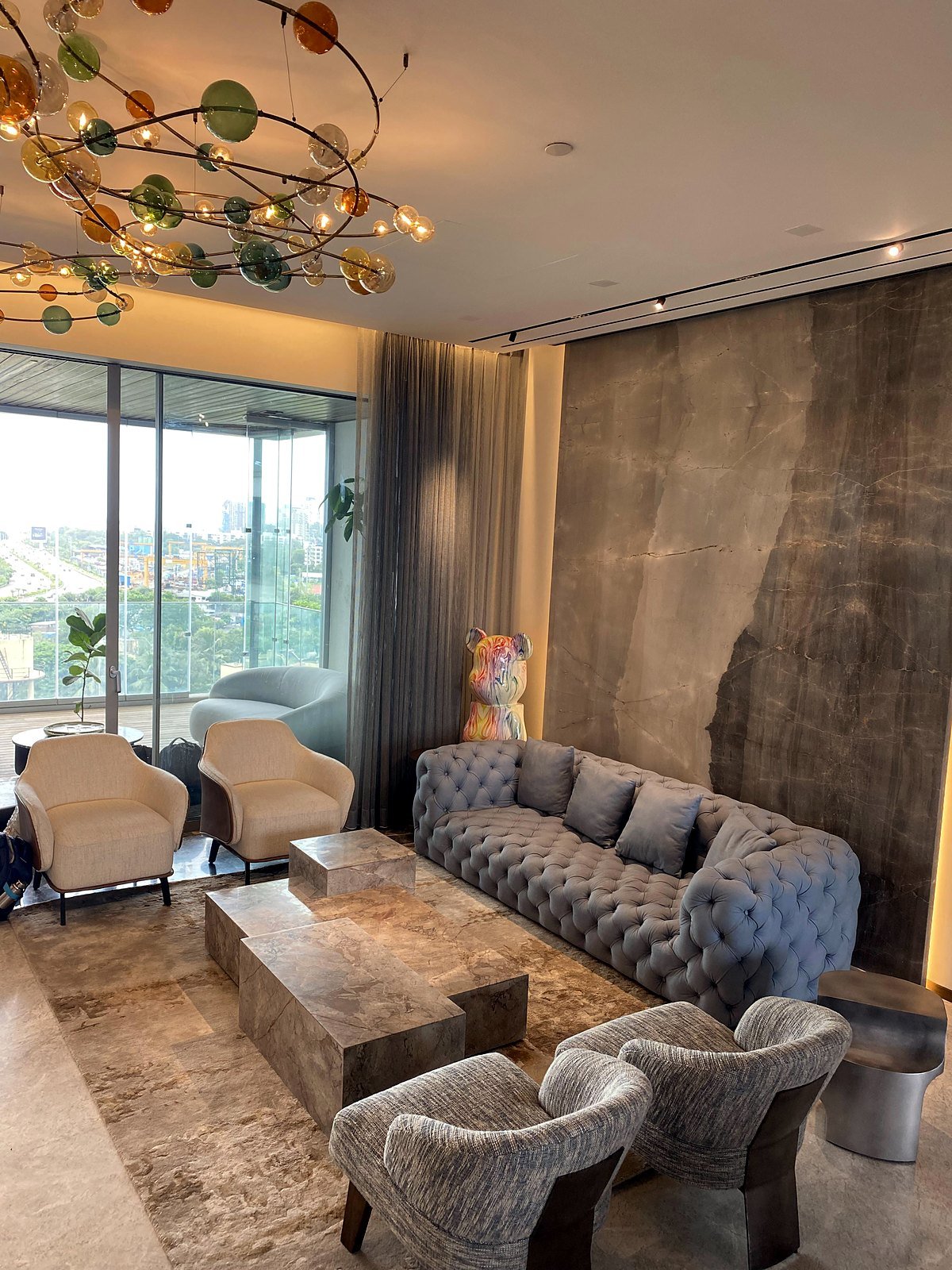
Smart Home in Bandra
Lighting, curtains, AC, two audio zones, a ceiling-lift projector, cameras and fingerprint locks, in an apartment. See the project
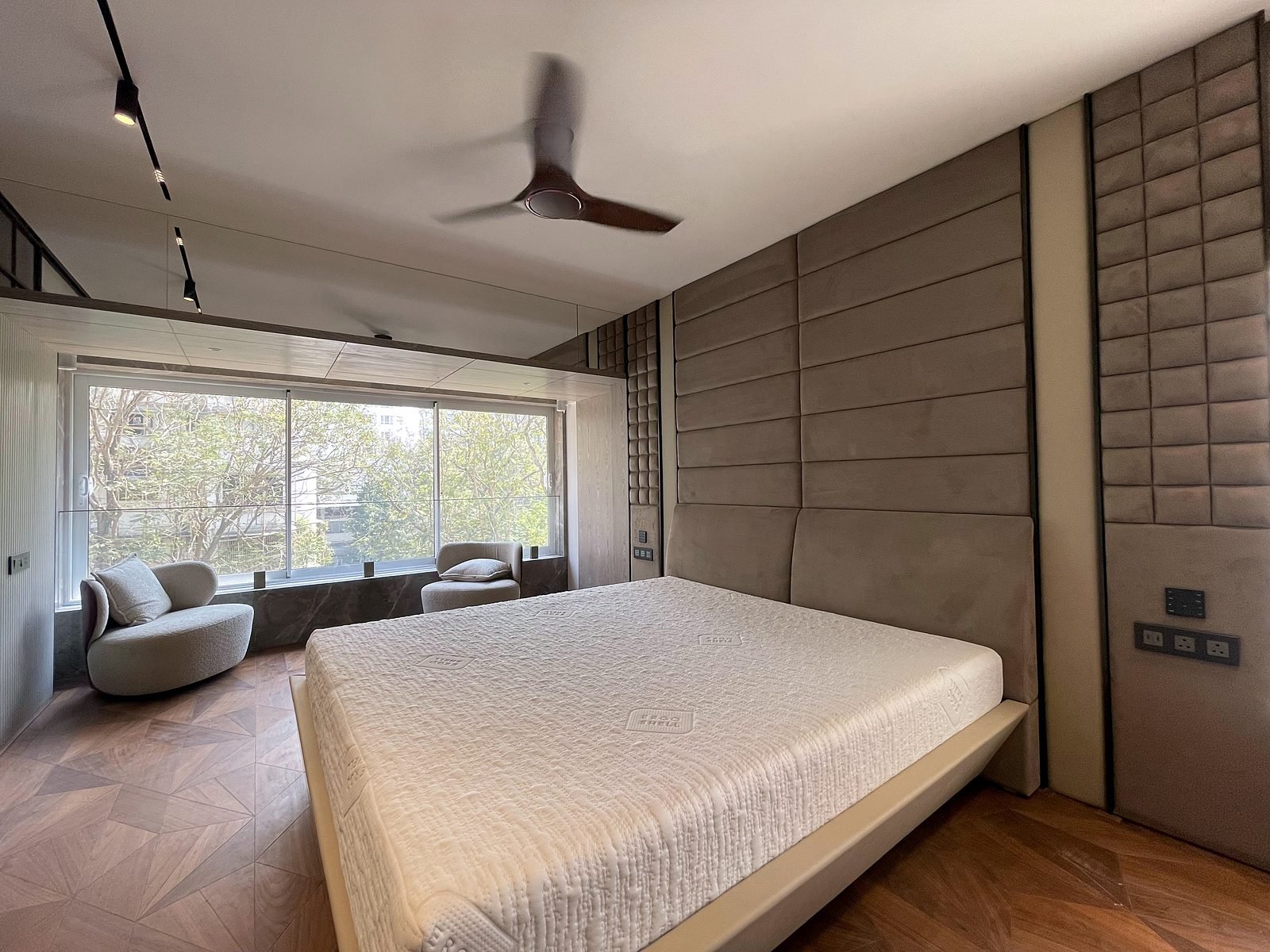
Home Automation in Cuffe Parade
Savant and KNX control of lighting, curtains, fans and music, across living areas and bedrooms. See the project
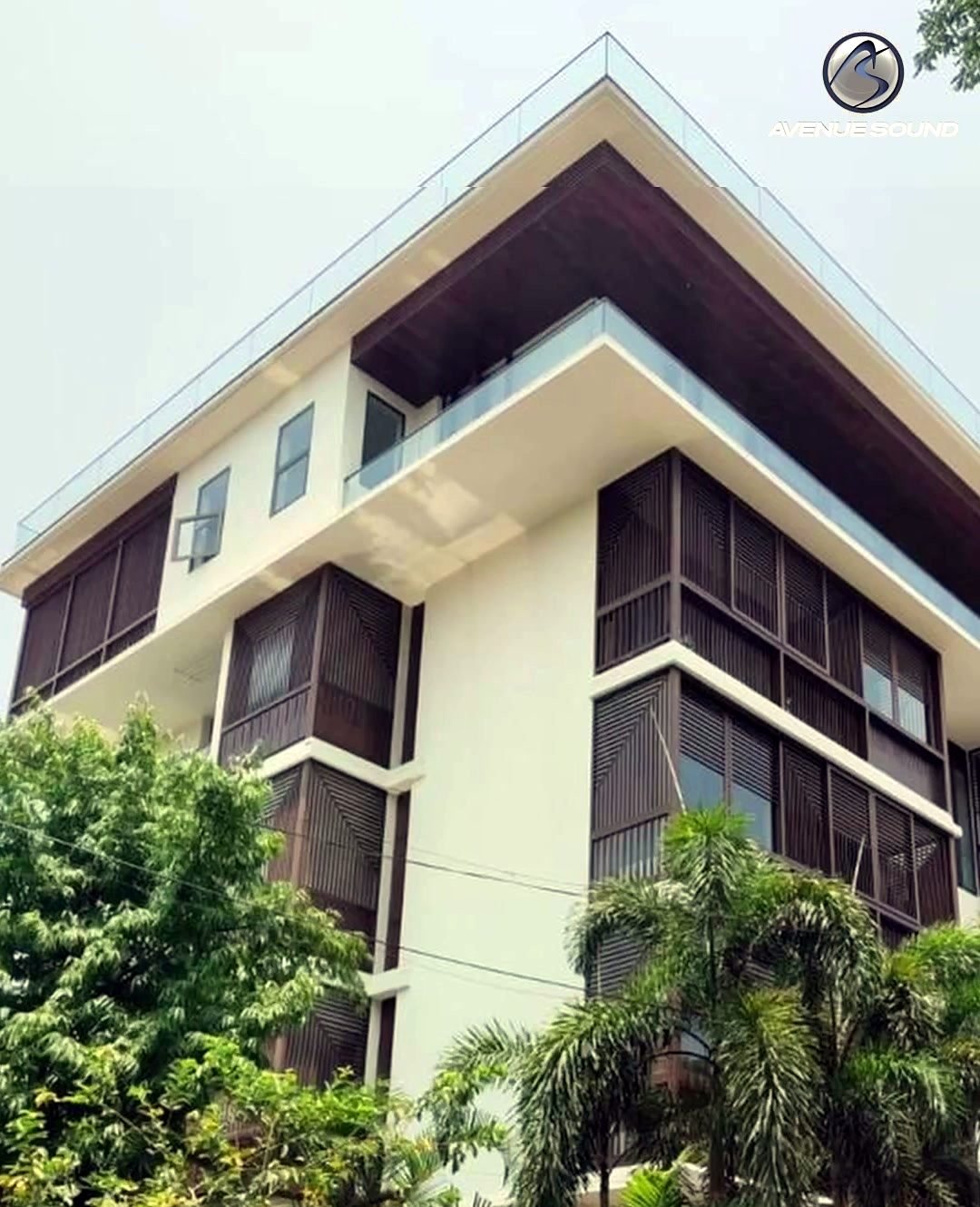
Six-Storey Smart Mansion in Nagpur
A ground-plus-five-floor home with 31 indoor music zones, keypads on every floor and a full network. See the project
Apartments
Smart lighting, curtains, AC and music need little cabling, and make a flat feel bigger and easier to run.
Villas and Bungalows
Multiple floors, outdoor areas and more rooms. Automation brings everything to one app and one set of keypads, floor by floor.
See also our whole-home automation and theatre project in Lower Parel.
Try It Before You Buy It
Reading about automation is one thing, but pressing a keypad is another. Visit one of our Experience Centers to see lighting scenes, use the app, check cameras on a phone and try the conference-room touch panel.
- Seawoods Experience Center, Navi Mumbai: live smart lighting, security cameras and a smart conference room.
- Bengaluru Experience Center: home theatre demos and a smart-home experience.
- Book a Visit
- Tell us the area and a time that suits you, and we will confirm the visit.
- Bring Your Plans
- If you have floor plans or electrical drawings, bring them so we can start talking about your own home.
Frequently Asked Questions About Home Automation
How Much Does Home Automation Cost?
Our home automation projects start from ₹5 lakh. The final cost depends on the number of rooms, how much you want to control (lighting, curtains, AC, music, security, theatre) and whether the home is a new build or a retrofit. We give a clear room-by-room quote after the design stage.
How Long Does Home Automation Take?
Most projects take 2 to 8 weeks from design sign-off, depending on the size of the home and whether it is a new build or a retrofit. Wiring is best planned before the walls are closed, so we work with your architect or interior designer on timing.
What Is the Difference Between a Smart Home and a Home With Smart Gadgets?
A home full of separate gadgets means a separate app for each one. A properly designed home automation system brings lighting, curtains, AC, music, TV and cameras into one system, so one keypad press or one tap in the app runs a whole scene.
Can You Automate a Home That Is Already Finished?
Yes. We do retrofits as well as new builds. A new build gives the most freedom because wiring can be planned into the walls. In a finished home we work around what exists, and use wireless options such as battery-powered curtain motors where cables cannot be added.
Can I Control Everything From My Phone?
Yes. Lighting, curtains, AC, music and cameras can be controlled from the phone app as well as from wall keypads, touch panels and remotes. Keypads stay on the wall so guests, family and staff never need your phone.
Can I See My Cameras on My Phone?
Yes. We install IP cameras and a video door phone that you can view from your phone, and they sit in the same system as the rest of your home controls.
What Happens if the Wi-Fi or Internet Goes Down?
Wall keypads and touch panels talk to the controller inside your home, so everyday lighting, curtain and scene control does not depend on your internet connection. Remote access from outside the home and streaming services do need internet. We design the home network alongside the automation to keep it dependable.
Do You Use Savant, KNX or Both?
Both, depending on the home. In our projects KNX is commonly used as the wired backbone for lighting, curtains, fans and geysers, and Savant as the control layer for the app, remotes, music and AV. We explain the options and recommend what suits your home and budget.
Can I Add Automation to One Room First?
Yes, as long as the design allows for the rest of the home later. We plan the full home on paper first, then install in phases, so later additions fit in without redoing earlier work.
Do You Offer Maintenance After Installation?
Yes. We offer annual maintenance plans (AMC) that cover your system after handover, including support if you want to change scenes or add rooms later.
Where Can I See Home Automation Working?
At our Seawoods Experience Center in Navi Mumbai, which has live smart lighting, security cameras and a smart conference room, and at our Bengaluru Experience Center. You can press the keypads and try the app yourself.
Do You Work Outside Mumbai and Bangalore?
Yes. We have 100+ projects in Mumbai and 40+ in Bangalore, and we take on projects in other cities across India. Our Nagpur project is a six-storey home.
Make Your Home Work for You
Tell us about your home, your family and what you would like to control, and we will suggest a plan and a visit to one of our Experience Centers.