
Smart Security Systems for Homes & Offices
See who is at the door and check on your home from anywhere. We design, install and support cameras, video door phones, fingerprint locks and sensors, and link them with your lighting and home automation, so security works quietly in the background and your family never has to think about it.
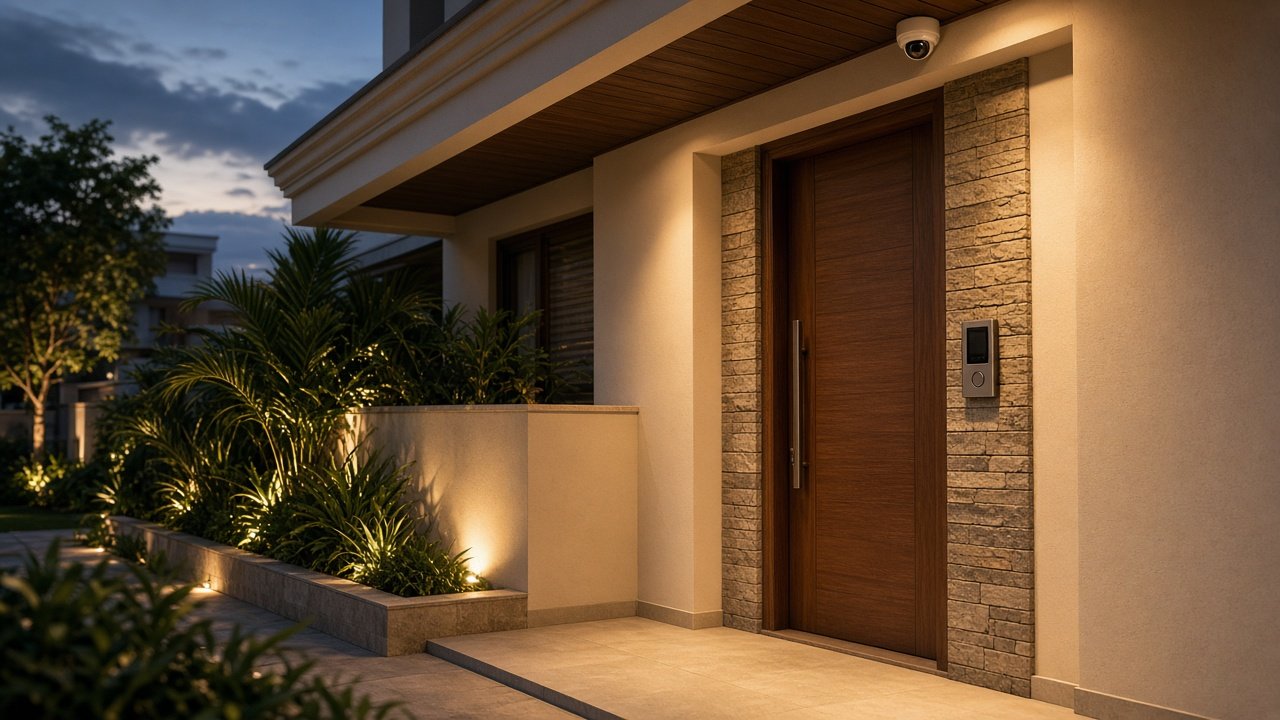
What Does a Smart Security System Include?
A good system is more than a few cameras. It covers four things, working together: seeing, entering, alerting and recording.
Seeing: Cameras
Indoor and outdoor IP cameras placed to cover entrances, passages, kitchens, balconies, service areas and lift lobbies.
Entering: Door Phones and Locks
A video door phone to see and speak to visitors, and fingerprint locks so family and staff do not need keys.
Alerting: Sensors
Door, window and motion sensors, so you know when something moves or opens.
Recording: Storage
A network video recorder that keeps footage safe at home or in the office, ready to review when you need it.
The part many providers miss is how these fit together. Security that shares a system with your home automation and a well-designed network is easier to use, more reliable, and far more useful in daily life.
Security Cameras for Homes and Offices
Camera choice and position matter more than the number of cameras. We walk the property with you and decide what each camera needs to see.
We use IP cameras, which connect over your network, give clear digital pictures and can be viewed on your phone. Depending on the area, we recommend different types:
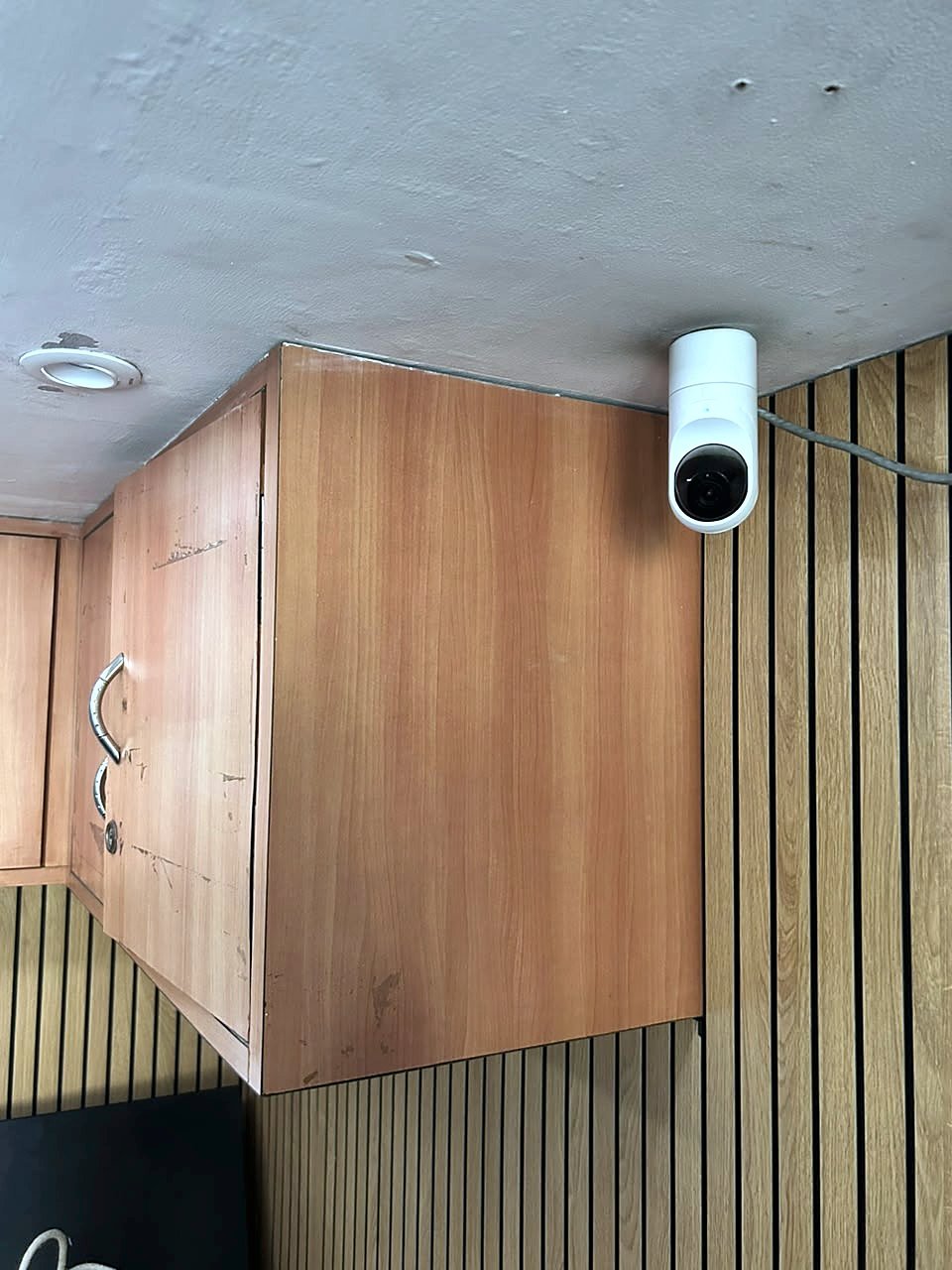
- Dome cameras: compact and discreet, well suited to indoor rooms, corridors and lift lobbies.
- Bullet cameras: a fixed, directional view, commonly used outdoors and at gates and boundaries.
- 360-degree cameras: one camera covering a whole room or open area, useful in large spaces and staircases.
- Two-way audio cameras: let you listen and speak through the camera.
- Wireless and Wi-Fi cameras: for finished homes where running cable is difficult.
Camera brands we have used in our projects include UniFi, Hikvision and Lilin. We choose by location and requirement, not by brand loyalty.
Where Cameras Usually Go
- Entrances: main door, service door and lift lobby.
- Passages and staircases: the routes people actually take through the home.
- Kitchens and service areas: where staff work, and where deliveries arrive.
- Balconies and outdoor areas: including gates, driveways and boundaries in a villa.
- Offices and conference rooms: reception, work areas and meeting rooms.
Night Vision and Footage Storage
Night Vision
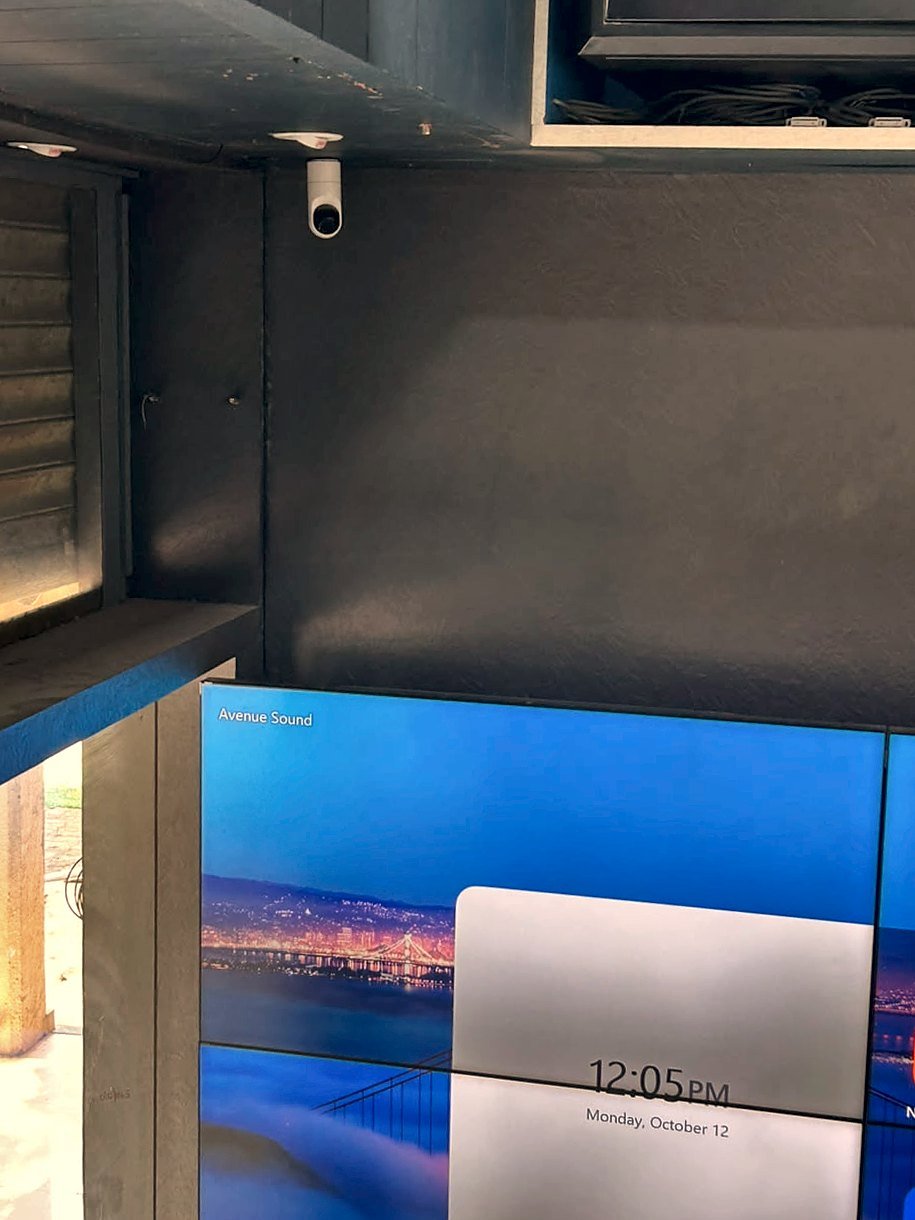
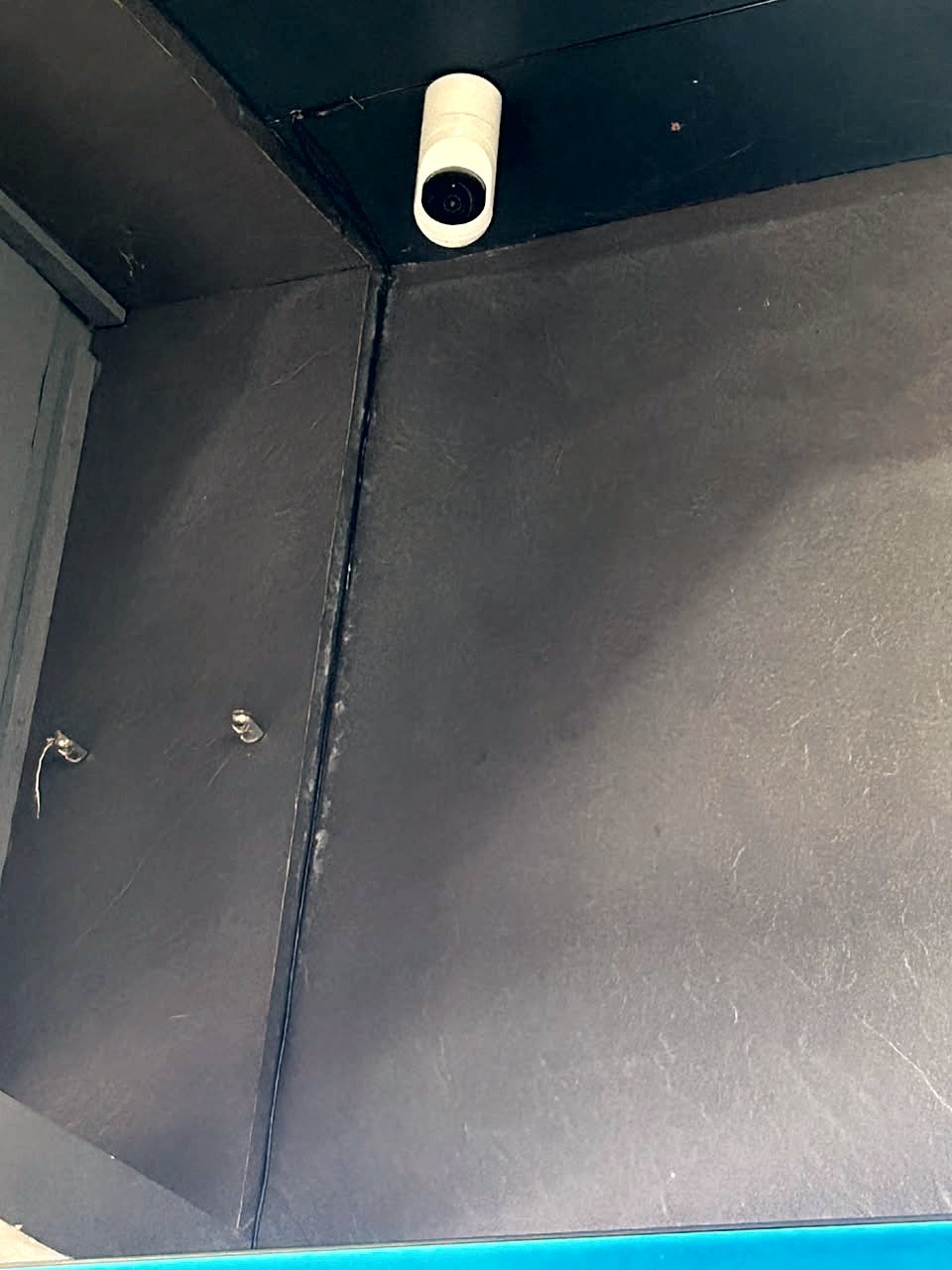
Areas like passages, balconies and outdoor spaces are dark after sunset, so we specify day-and-night cameras with night vision for them. In our projects we have used Lilin day-and-night dome and bullet cameras with night vision, among others. Range and picture quality vary by model, so we confirm the right camera for each location at the planning stage.
Recording and Storage
Cameras record to a network video recorder (NVR) kept in the home or office, usually in the same rack as the network equipment. Our projects have used Hikvision, Ubiquiti and Synology recorders, and a UniFi console with a 1 TB drive in our Bandra apartment.
How Much Footage Can You Keep?
It depends on three things: the number of cameras, the picture quality you choose, and the size of the drives. A home with four cameras needs far less storage than a villa with many. We size the recorder for the days of footage you want to keep and tell you the number plainly in the plan.
Reliable Power and Network
Cameras are powered and connected through managed Power over Ethernet switches on a properly designed network. In our larger homes we add surge protection and remote monitoring so we can support the system if something needs attention.
Cameras That Fit the Interior
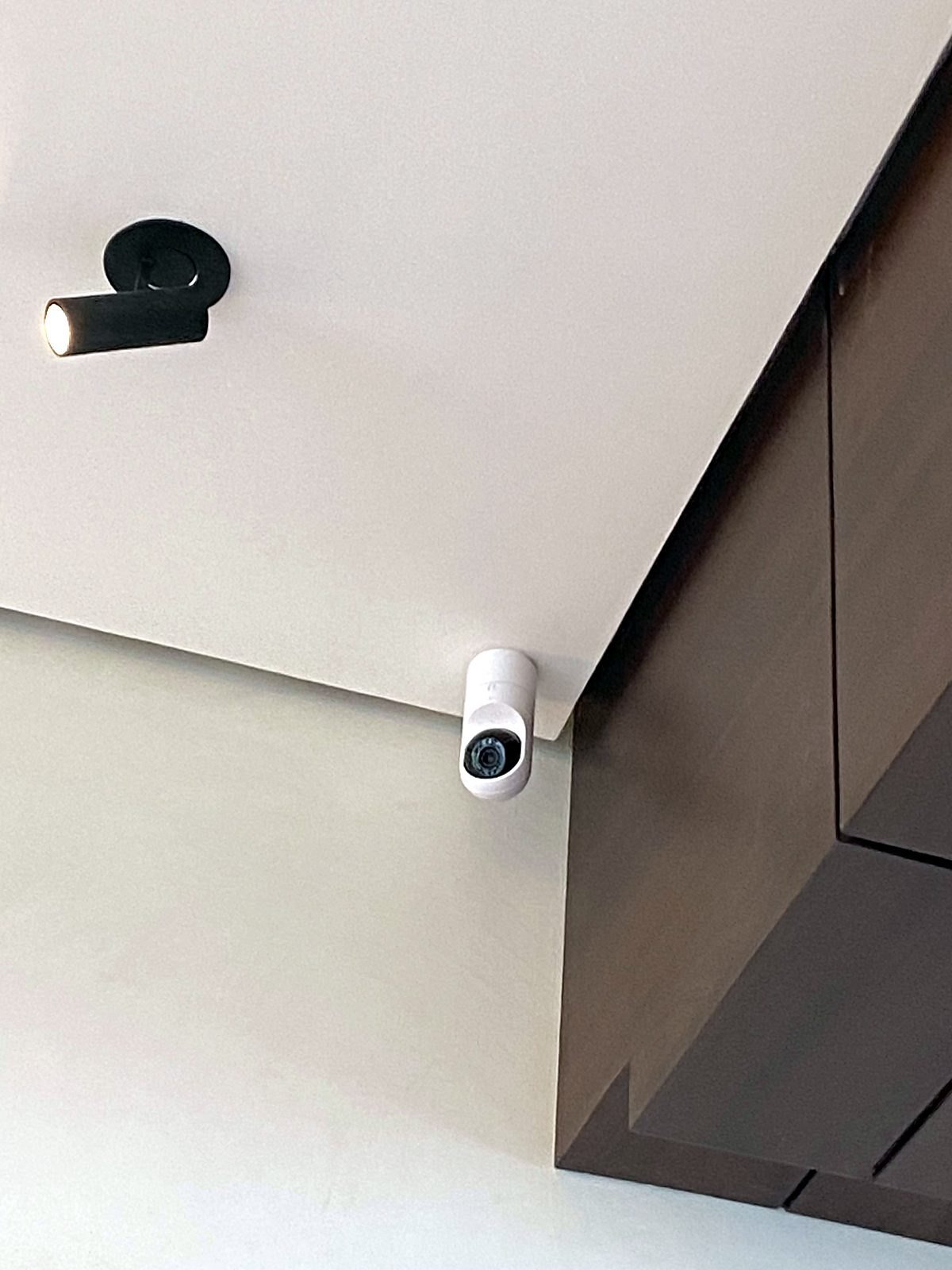
Good camera positions are chosen so the camera sees what matters and stays discreet. In our Bandra apartment, five UniFi cameras cover the living room, balcony, kitchen, main entrance and lift lobby, recorded on a UniFi console with a 1 TB drive.
Tip. Decide how many days of footage you want before choosing storage. It is the number most often forgotten, and the easiest to plan in at the start.
Video Door Phones and Intercom
A video door phone lets you see and speak to anyone at your door before you open it. It replaces the old intercom with a camera, a clear picture and two-way audio, and it follows you out of the house.
- At the door: a weather-resistant door station with camera, speaker and call button, and optionally a keypad or fingerprint module.
- Inside the home: an indoor monitor, or the picture on a wall touch screen or the family phone app.
- Away from home: the call can ring on your mobile phone no matter where you are in the world, so you can answer a delivery while travelling.
- Multiple doors: one station at the main door and others at service entrances, gates or lift lobbies.
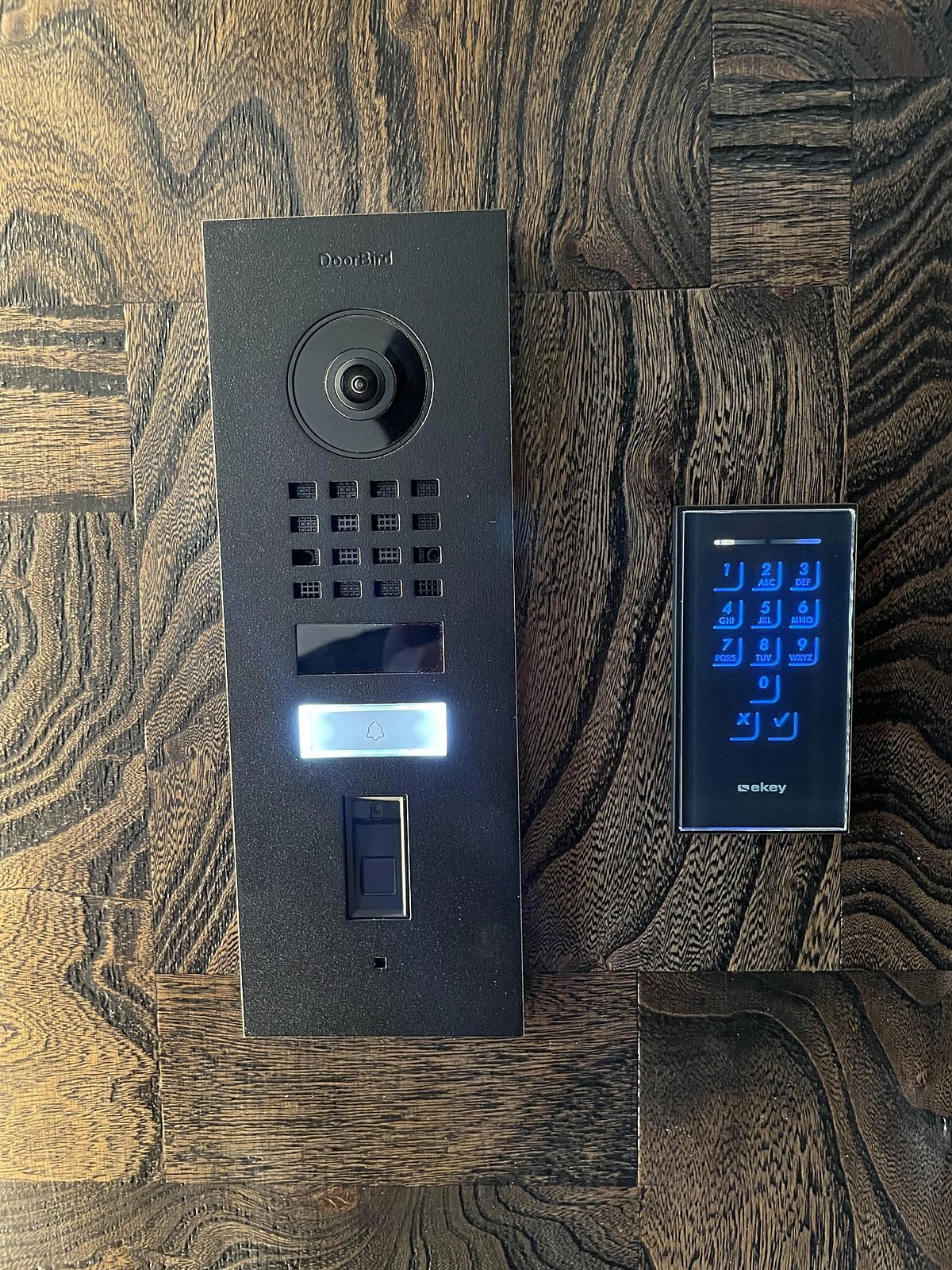
We have used DoorBird IP video door stations in several projects, including our Cuffe Parade, Bandra and Nagpur homes. At the Cuffe Parade entrance, the door station sits beside an Ekey keypad and fingerprint access, so visitors are seen and family members walk in without a key.
Smart Locks and Fingerprint Access Control
Keys get lost, copied and handed over. Fingerprint access replaces them with something that cannot be forgotten, and lets you decide who can open which door.
- Fingerprint scanners: a small wall unit beside the door, enrolling each family member.
- Electric locks: drop-bolt, strike or magnetic locks fitted to the door, controlled by the scanner.
- Private spaces: walk-in wardrobes and master suites can have their own scanners.
- Staff and guests: give access to household staff without handing out keys, and remove it when needed.
- Lift lobbies: access at the lift lobby for private-lift homes and apartments.
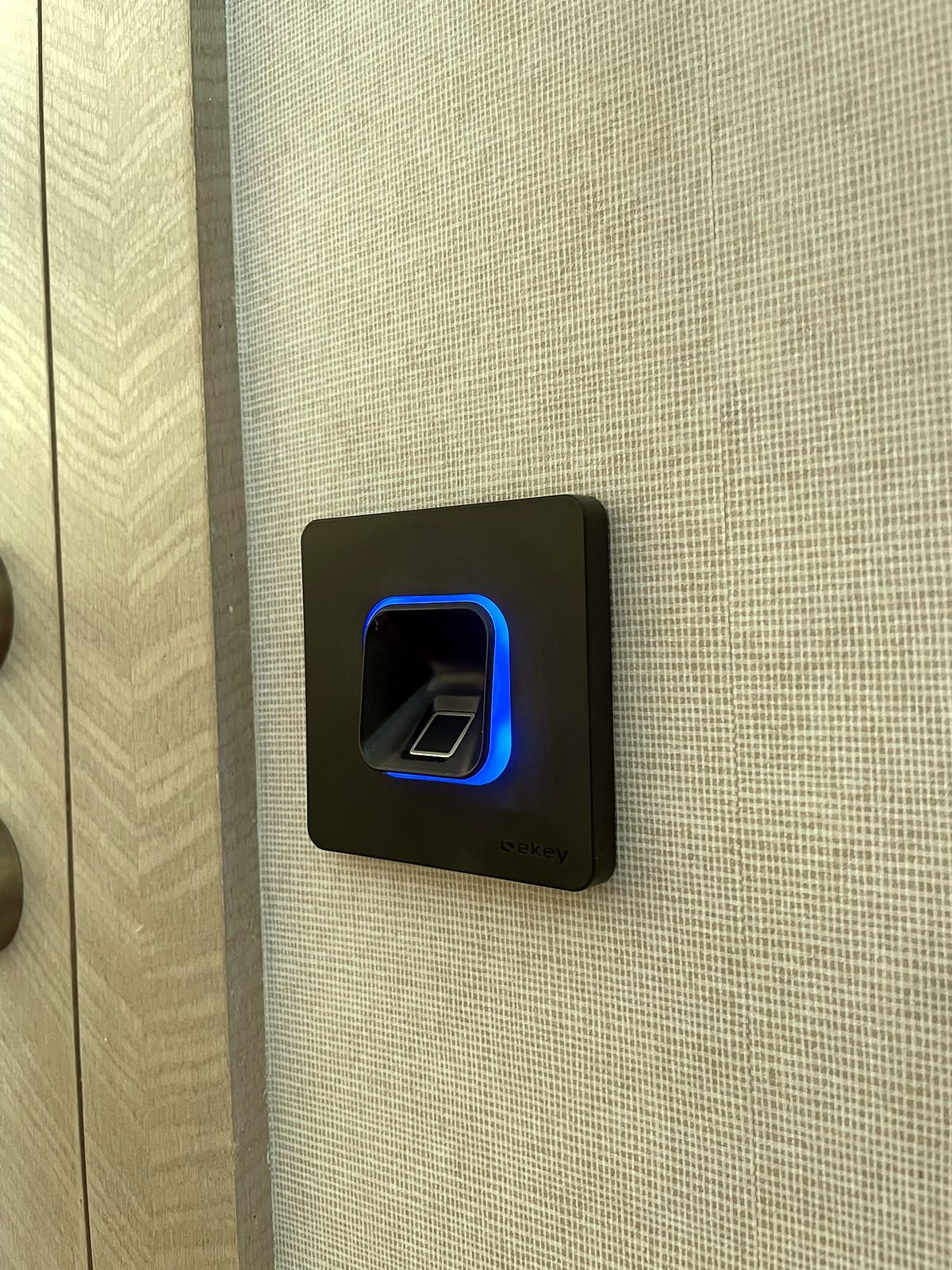
We use Ekey biometric access in our projects. In our six-storey Nagpur home, 13 Ekey Integra scanners and 31 electric drop-bolt and strike locks secure the ground floor and the suite walk-in wardrobes on the upper floors. In our Bandra apartment, three Ekey scanners guard the main entrance, the lift lobby and the master wardrobe.
Plan Locks Early. Locks and scanners need power and cable to the door, which is easiest before walls and door frames are finished. If you are building or renovating, tell us before the electrical layout is final.
Door, Window and Motion Sensors
Cameras show you what happened. Sensors tell you the moment something is happening.
Contact Sensors
Know when a door or window opens while the house is empty or at night.
Motion Sensors
Detect movement in passages, lobbies and rooms. The same sensors can switch lights on and off when you are home.
Alerts and Automation
Sensors can be linked to alerts and to lighting scenes, so you can look at the cameras straight away. We confirm what is possible for your property at the design stage.
In our projects, motion sensors in the passage and lift lobby switch lights on and off automatically, and wireless contact sensors have been used for lift access control. We plan sensors together with the camera layout, so every area is covered without gaps and without false alarms from areas you use every day.
View Your Cameras From Anywhere
The most-used feature of any smart security system is simple: you pick up your phone and look. Our cameras and video door phones can be viewed live on your mobile phone, at home or travelling, in one app for the family.
- Live view: check any camera in real time.
- Door calls: answer the door from your phone, wherever you are.
- Alerts: notifications when something needs your attention.
- Review: go back through recorded footage on the recorder.
- Family access: set up on each family member's phone at handover.
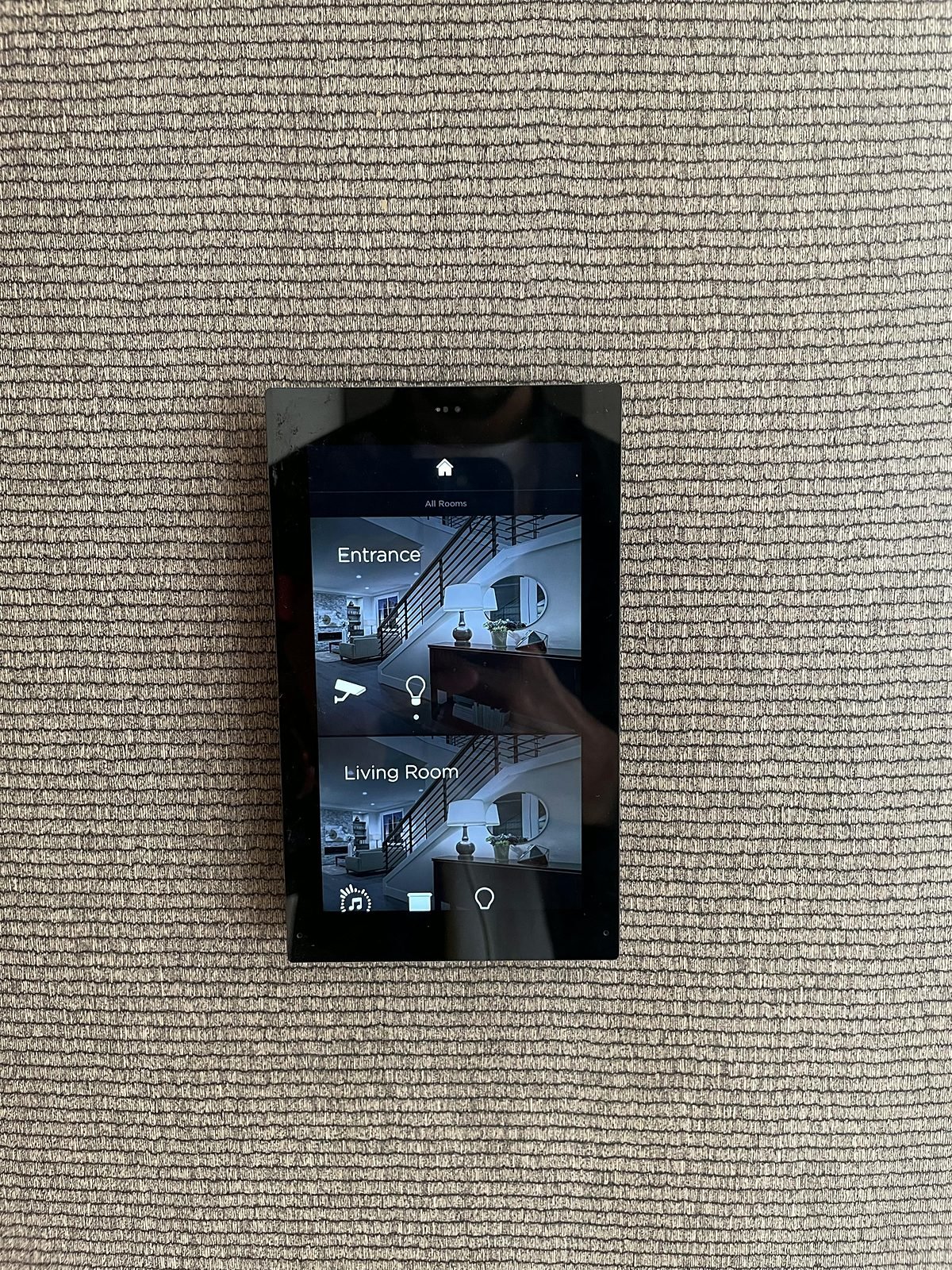
Inside the home, camera views can also appear on a wall touch screen at the entrance, so you can check the door or a room without reaching for your phone. We demonstrate the live phone view at our Seawoods Experience Center.
Security That Works With Your Smart Home
When security shares a system with lighting, curtains and AC, it does more than watch. It helps your home look after itself. These are typical examples, and your own scenes are planned with your family.
Leaving Home
One press at the door turns off lights, fans and AC, closes curtains, and leaves you able to check the cameras from your phone.
Good Night
One bedside press turns off the downstairs lights, keeps soft night lighting for the way to the bathroom, and lets you check the door from the bed.
Visitors at the Door
The video door phone calls your phone or indoor screen. For a camera event, lights in that area can be set to switch on.
Away on Holiday
Check cameras and the door from anywhere, and give lights a schedule so the house does not look empty.
Our Seawoods Experience Center shows this in practice: security cameras and lighting keypads in the same system, with the lighting app on a phone. Read more about home automation and how Wi-Fi and networking keep cameras reliable.
Apartment vs Villa: What Changes?
Smart Home in Bandra
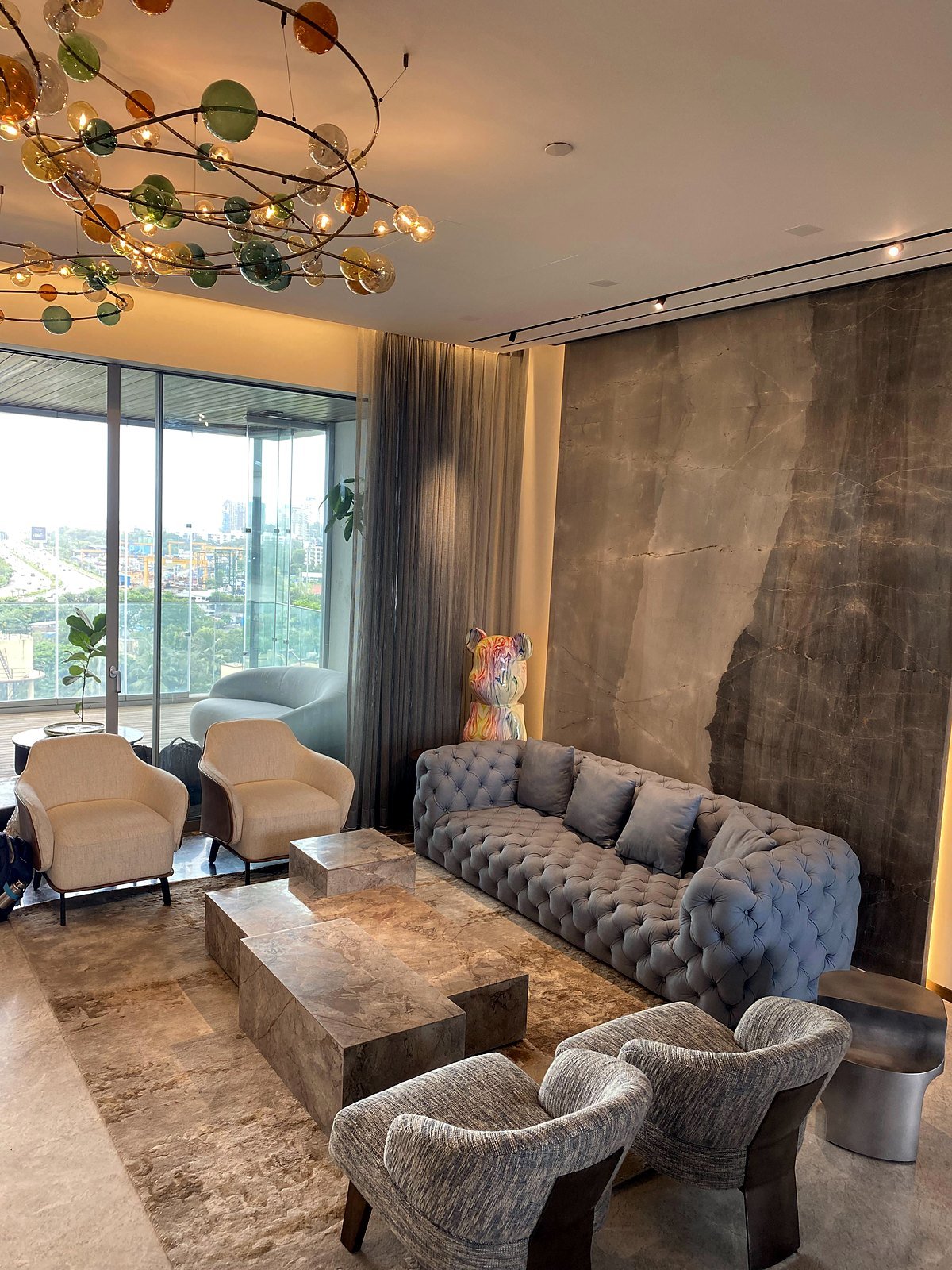
Five UniFi cameras, a DoorBird video door phone and three fingerprint scanners in an apartment. See the project
Six-Storey Smart Mansion in Nagpur
A UniFi camera network, DoorBird door stations and Ekey fingerprint access across six levels. See the project
Home Automation in Cuffe Parade
Video door entry, fingerprint access and a wall touch screen at the entrance. See the project
| Apartment | Villa or Bungalow | |
|---|---|---|
| Main focus | The front door, the lift lobby, and key rooms inside. | The whole perimeter: gates, boundary, driveway and entrances, plus indoor areas. |
| Cameras | A few well-placed indoor cameras, and lift-lobby coverage. | Outdoor bullet or dome cameras, with night vision, plus indoor coverage on each floor. |
| Door entry | One video door station at the main door. | Stations at main door, gate and service entrances. |
| Network | One switch and recorder, often in the main rack. | More switches and cabling, outdoor Wi-Fi where needed, and sometimes several racks. |
| Good to know | Society rules may limit cameras in common areas; we plan within them. | Weather-rated outdoor equipment and earlier cable planning matter most. |
Offices work the same way: reception, work areas and conference rooms are covered, as in our Seawoods centre.
How a Security Project Works
The earlier security is planned, the neater and better it is. Here is what to expect.
New Build or Renovation
The ideal time. We work with your architect or interior designer, mark camera, door-station, scanner and sensor positions on the drawings, and run cabling before walls are closed.
Finished Home or Office
Still possible. We plan around existing walls and finishes, and use wireless or Wi-Fi cameras where cabling is not possible, to keep disruption low.
- 1
Site Review
We walk through your home or office, learn how your family lives, and agree what needs covering.
- 2
Security Plan
Camera positions, door access, sensors and storage, with a clear quote.
- 3
Installation
Neat installation, network setup and testing by our own team.
- 4
Handover and Support
We set up the app on your family's phones and stay on for support, with annual maintenance plans (AMC) available.
Timeline. Most security projects fit within our usual 2 to 8 week timeline, depending on the size of the property. We give you a clear schedule with your quote.
See It Live Before You Decide
Seeing a live camera feed on your own phone is the quickest way to understand smart security. Security cameras cover the office and conference room at our Seawoods Experience Center, and the lighting keypads sit in the same system.
- Seawoods Experience Center, Navi Mumbai: live security cameras, smart lighting and a smart conference room.
- Devanahalli Experience Center, Bengaluru: home theatre demos and a smart-home experience.
- Book a Visit
- Tell us the area and a time that suits you, and we will confirm.
- Bring Your Plans
- Floor plans or electrical drawings help us talk about your own property.
Also see our home theatres in Mumbai.
Frequently Asked Questions About Smart Security
Can I View My Security Cameras on My Phone?
Yes. The IP cameras we install can be viewed live on your phone, at home or away. Cameras at our Seawoods Experience Center can be shown live on a phone during your visit.
What Kind of Cameras Do You Install?
We install IP cameras indoors and outdoors, including dome, bullet and 360-degree models, with day and night models for low-light areas. In our projects we have used UniFi, Hikvision and Lilin cameras. We recommend the type and position for each area after a site review.
Do the Cameras Work at Night?
We specify day-and-night cameras with night vision for areas that are dark after sunset, such as passages, balconies and outdoor spaces. Range and picture quality depend on the model, so we confirm the choice for each location at the planning stage.
Where Is the Camera Footage Stored?
Footage is recorded on a network video recorder (NVR) installed in the home or office. Our projects have used Hikvision, Ubiquiti and Synology recorders. How many days of footage you can keep depends on the number of cameras, picture quality and the size of the drives, and we size this with you at the design stage.
Do You Install Video Door Phones and Video Doorbells?
Yes. We install IP video door stations, with an indoor monitor and phone app, so you can see and speak to visitors before opening the door. We have used DoorBird in our projects, and the video door phone can ring on your mobile phone wherever you are.
Can I Use Fingerprint Locks Instead of Keys?
Yes. We install Ekey fingerprint access with electric locks, for main entrances, lift lobbies and private rooms such as walk-in wardrobes. Family members are enrolled on the scanner, so nobody needs to carry or hand over a key.
Do You Install Door, Window and Motion Sensors?
Yes. We install door, window and motion sensors and plan them with the camera layout, so each area is covered the right way. Sensors can trigger alerts on your phone and switch lights, and we confirm exactly what is possible for your property at the design stage.
Can Security Work With My Home Automation and Lighting?
Yes. Security sits in the same system as your lights, curtains and AC. For example, motion sensors can switch passage and lift-lobby lights on and off, a camera event can switch on the lights in that area, and a single "Leaving Home" or "Good Night" scene can be set up from a wall keypad. We plan these links at the design stage.
Can I Add Security to a Finished Home?
Yes. We install security in new builds as well as finished homes and offices. A new build gives the most freedom for neat cabling. In a finished home we use wireless or Wi-Fi cameras where cabling is not possible, as we do with wireless cameras in apartment retrofits.
Will Security Cameras Slow Down My Wi-Fi?
They should not, if the network is designed for them. Cameras need a strong, secure network, so we plan the camera network together with your home Wi-Fi, using managed switches with Power over Ethernet and a properly set up router.
How Long Does a Security Installation Take?
Most security projects fit within our usual 2 to 8 week timeline, depending on the size of the property and whether it is a new build or a retrofit. We give you a clear schedule with your quote.
Do You Offer Maintenance After Installation?
Yes. We set up the app on your family's phones at handover and stay on for support, with annual maintenance plans (AMC) available.
Where Can I See a Smart Security System Working?
At our Seawoods Experience Center in Navi Mumbai, where security cameras cover the office and conference room alongside smart lighting. We also have an Experience Center in Devanahalli, Bengaluru.
Do You Work Outside Mumbai and Bangalore?
Yes. We have 100+ projects in Mumbai and 40+ in Bangalore, and we take on projects in other cities across India. Our Nagpur project is a six-storey home.
Protect Your Home Without Complicating It
Tell us about your property and what you would like covered, and we will suggest a plan and a visit to one of our Experience Centers.