
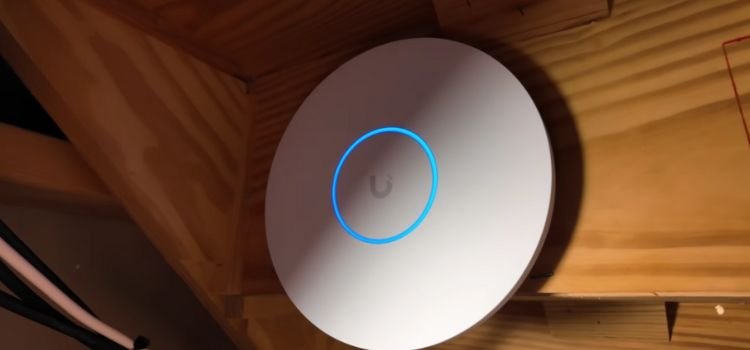
Whole-Home WiFi and Smart Home Networking in Mumbai
Strong WiFi in every room, a wired backbone behind it, and a network built for streaming, cameras and home automation. We survey, design, cable, install and support it, so the technology in your home or office never has to think about the network.
Why Networking Matters in a Smart Home or Theatre
Every modern room depends on the network. Your TV streams over it, your cameras record to it, your lights, curtains and music are controlled across it, and every video call travels through it. When the network is an afterthought, the whole house feels unreliable: a film buffers, a keypad lags, a camera drops out.
We treat the network as part of the building, like electrical wiring. It is planned with your floor plan, cabled before walls are closed where possible, and installed in a proper rack, not hidden behind a TV unit with a consumer router.
What a Single Router Cannot Do
Thick concrete walls, duplexes, terraces and large villas defeat one router. Add dozens of phones, TVs, speakers and sensors and the router becomes the weak link in the home.
What a Planned Network Does
Access points sit where the signal is needed, cable carries the heavy traffic, and every class of device gets its own lane. Rooms stay fast and the system stays stable as you add more.
Whole-Home WiFi Design
Good WiFi is designed room by room, not bought as a single box. Here is how we plan it.
- Site Survey: we walk the home or office, check wall and slab construction, ceilings, lifts and metal, and note where you actually use devices.
- Access Point Placement: access points go where the signal is needed, usually ceiling-mounted and flush so they are out of sight and have a clear line to the room below.
- Coverage vs Capacity: coverage means the signal reaches the room. Capacity means it still performs when many devices use it together. We plan for both, because a home full of phones, TVs and cameras needs more than a strong signal.
- Roaming: as you walk from the living room to a bedroom, your phone should hand over to the nearest access point without dropping a call. A managed system of several access points makes that possible.
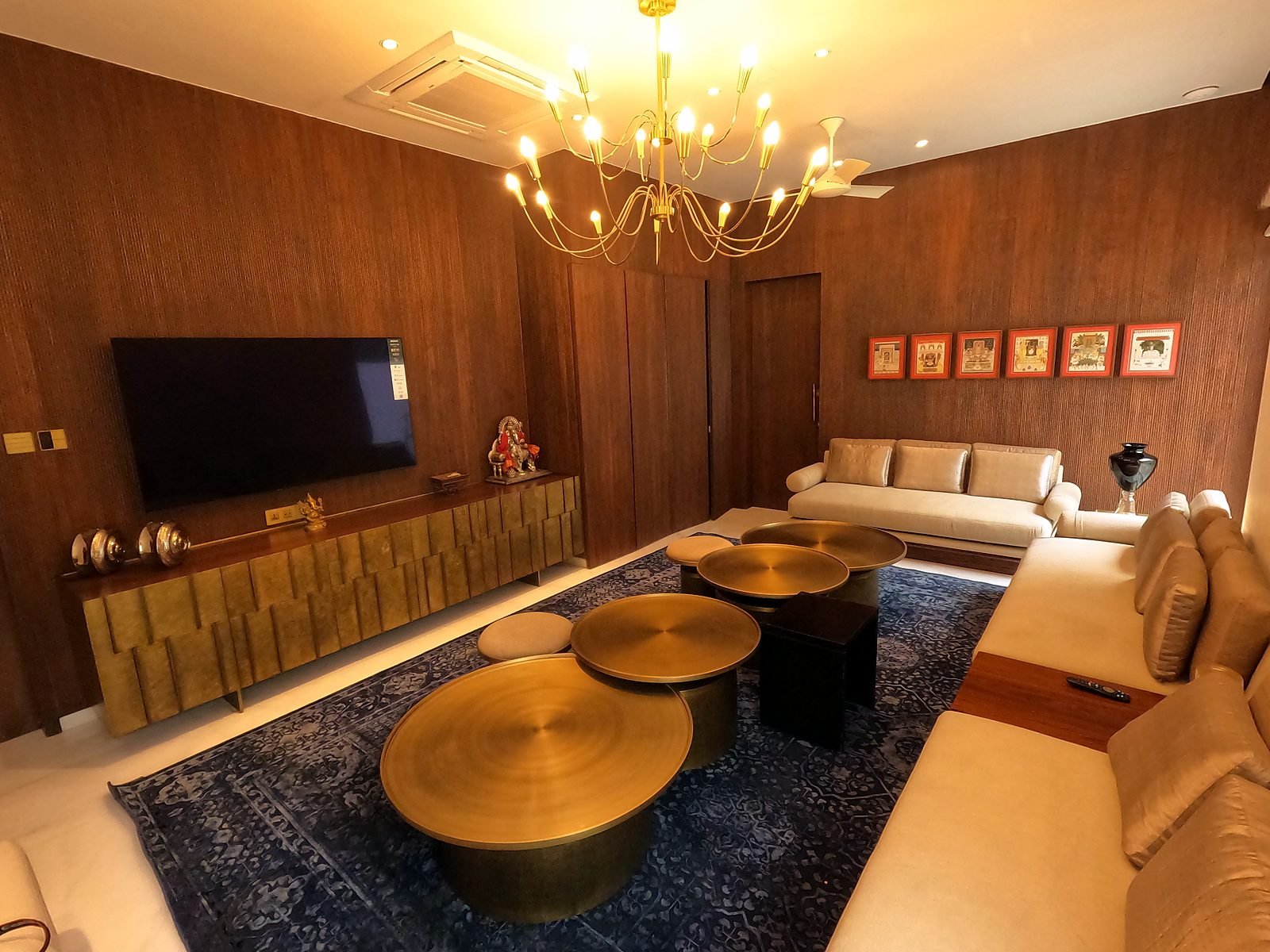
What It Looks Like in a Real Home
In our Bandra apartment project, WiFi 6 access points cover the living room, master bedroom and bedrooms, backed by a 24-port PoE switch and a UniFi console. In our Cuffe Parade apartment project the proposal placed six access points across the living, dining, master and other bedrooms and the den. In a six-storey Nagpur home the design uses 25 indoor access points, five on the ground floor and four on each floor above, plus 3 outdoor access points for the exteriors.
Wired Backbone and Structured Cabling
WiFi is wireless only for the last few metres. Behind every good wireless network is cable, and the quality of that cable decides how well everything else performs.
Cable to Every Access Point
Each access point connects back to the rack by network cable, which also powers it (PoE). That removes power adapters from ceilings and gives every room a fast, steady link to the rest of the network.
Cable to TVs, Theatres and Workstations
Fixed devices such as TVs, streamers, game consoles, workstations and the home theatre are cabled directly. They stay fast and leave the airwaves free for phones and tablets.
Fibre Between Racks in Larger Homes
In a multi-storey home with several racks, fibre can link them. Our Nagpur home design uses a fibre backbone between its three racks.
Planned Before Walls Close
The best time to cable is during construction or renovation. We coordinate with your interior designer and electrician so conduits, wall points and ceiling positions are ready. In a finished home we find the best available routes.
Neat and labelled. Cabling is installed by our own team, terminated on a patch panel and kept tidy, so any future change or fault is quick to trace.
A Network for Streaming, 4K and Home Theatre
A home theatre asks a lot of a network. High-quality streaming, a media player, a game console and a control system may all be active at once, often while the rest of the family is online elsewhere in the house.
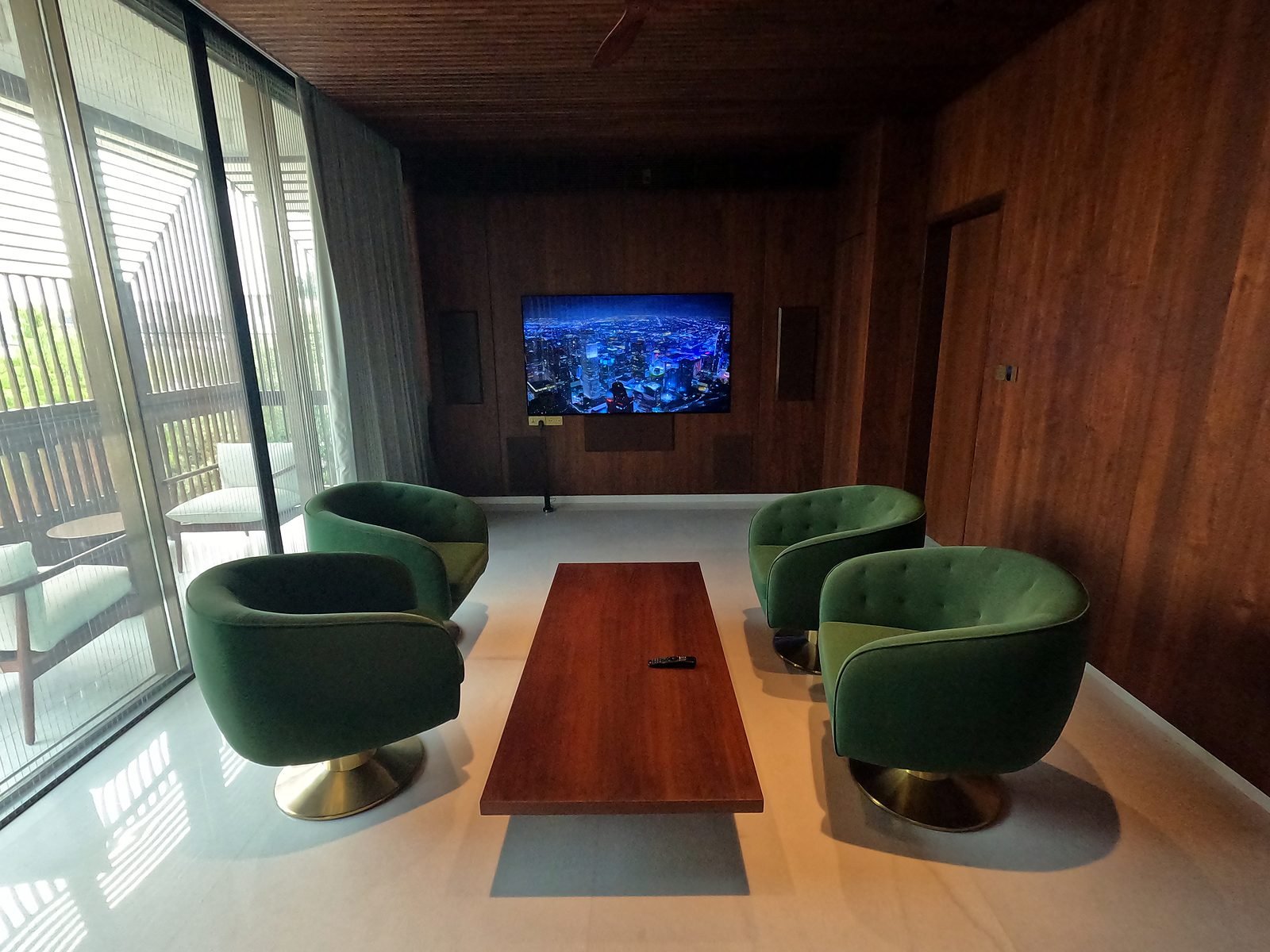
- Cable the Theatre: the streamer, TV, media player and console connect by cable, so playback does not depend on WiFi conditions.
- Keep Streaming Away from Everything Else: separate lanes stop a download or video call elsewhere from slowing the film.
- An Access Point in the Room: phones, tablets and the app on your phone still need a good signal. Our theatre projects, such as the Goa villa theatre, include a dedicated PoE switch and access point in the room.
- Match the Network to the Source: if you stream from an online service, the quality you get also depends on your internet plan. We tell you honestly what your connection can deliver.
A Network for Home Automation, Cameras and Smart Devices
Lighting, curtains, climate, door stations, keypads, music servers and cameras all depend on a stable network. Our home automation systems and security systems are built on one.
Segmentation Explained Simply
Think of a building with separate corridors. Guests use one, your family uses another, and the doors to the control room are in a third. A network can be divided the same way, using VLANs. Cameras and smart-home equipment sit in their own lane, so a faulty device or an unknown visitor on WiFi cannot reach your laptop, files or cameras.
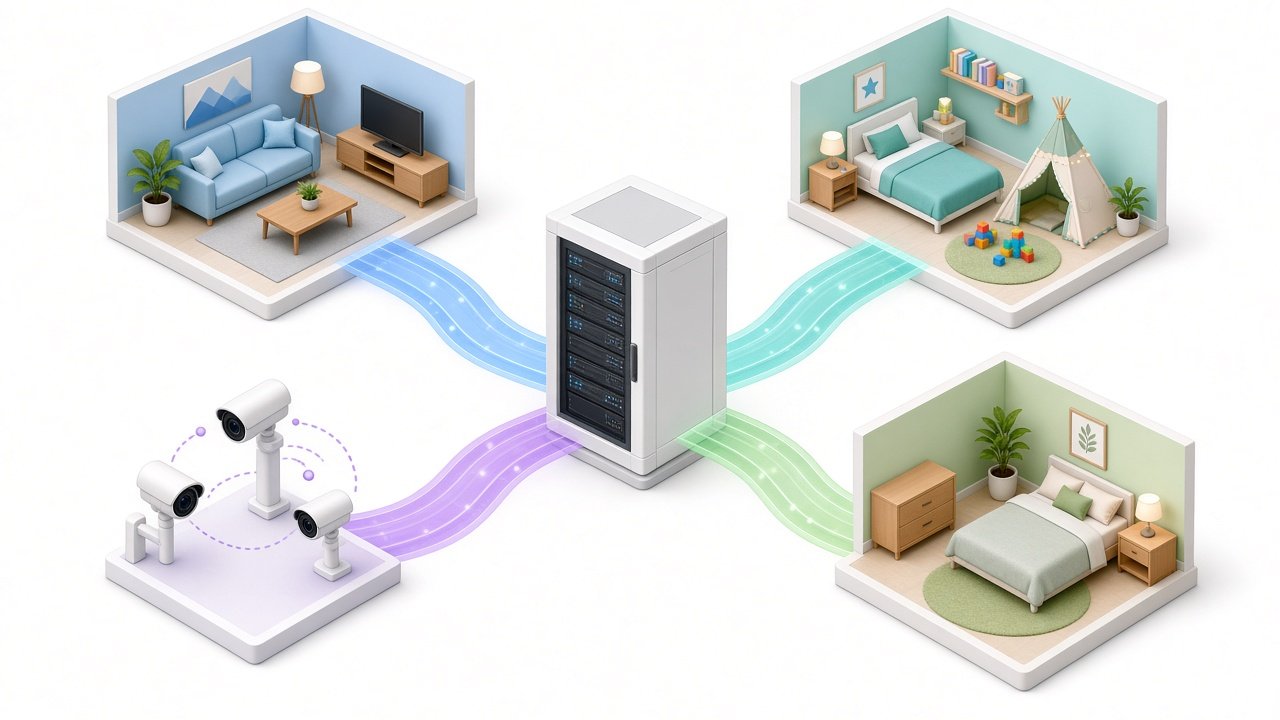
Cameras and Recording
Cameras are powered and connected over network cable. Recordings are stored on a local console in the rack. In our Bandra project, five UniFi cameras and a UniFi console with a 1 TB drive sit on the same managed network as the WiFi.
Automation Controllers and Keypads
Control systems such as Savant and KNX interfaces depend on a reliable connection. We give them stable cabled links and keep their traffic apart from guest and personal devices.
Guest and Kids Networks
A Guest Network That Keeps You Private
Visitors, contractors and staff get internet access on a network that is separate from yours. They cannot see your files, printers or smart-home system, and you can change the password without touching your own devices.
A Separate Network for Children's Devices
A dedicated network for children's tablets, consoles and phones lets you manage those devices on their own. It also keeps gaming and downloads from competing with the devices your household depends on.
Work-from-Home Without Compromise
A home office should not slow down when the family streams in the evening. We give it a cabled connection where possible and a stable access point nearby for video calls.
One Network, Managed in One Place
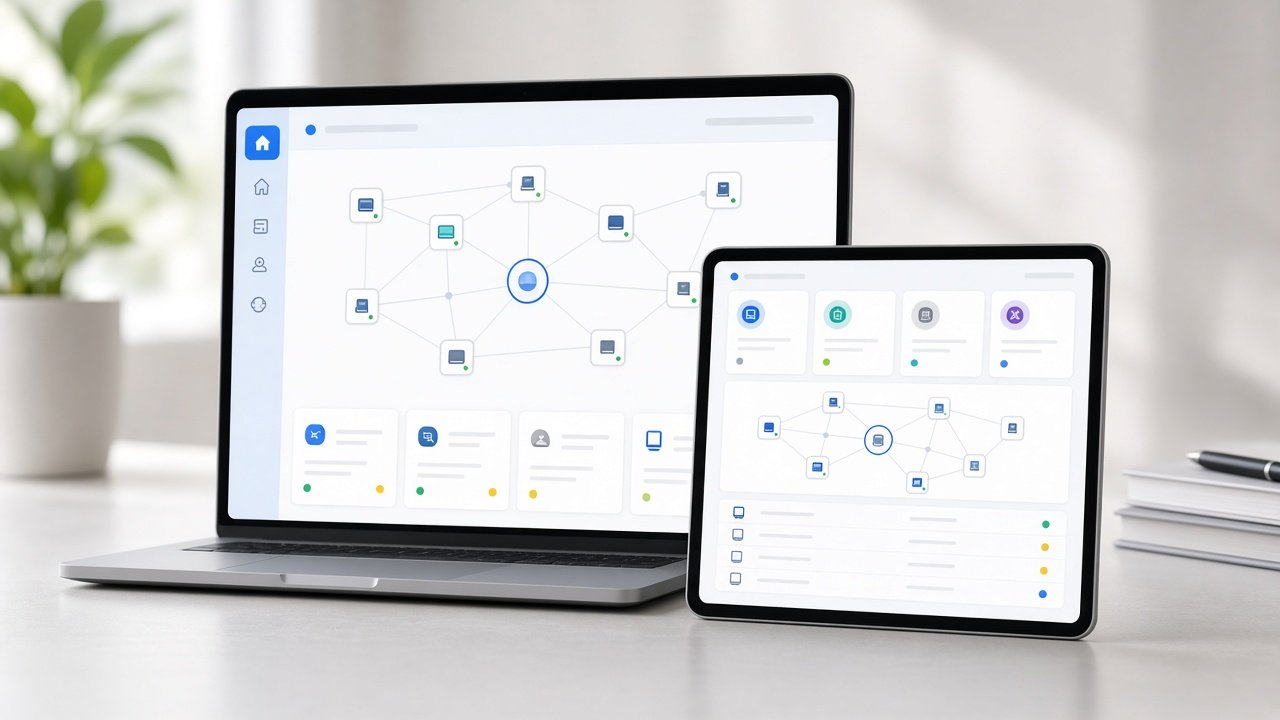
All of this is managed from a single console, so changing a password, adding a guest network or checking a device is simple, and we can help remotely.
Network Security and Remote Access
A network that carries your cameras, door stations and smart-home controls needs to be secure as well as fast.
Separation of Devices
Segmentation limits what any one device can reach. A compromised smart gadget cannot see the machines you do banking on.
Managed, Updated Equipment
Because equipment is managed from one console, updates are applied in one place, and our annual maintenance plans (AMC) keep it current.
Remote Monitoring
We use remote monitoring, with OvrC on our rack installations, so we can see the state of the network and key equipment and often fix a problem without a visit.
Sensible Remote Access
You can view cameras and control your home from your phone. We set up remote access deliberately, explain what is switched on, and avoid leaving open doors on your network.
What Goes in the Rack
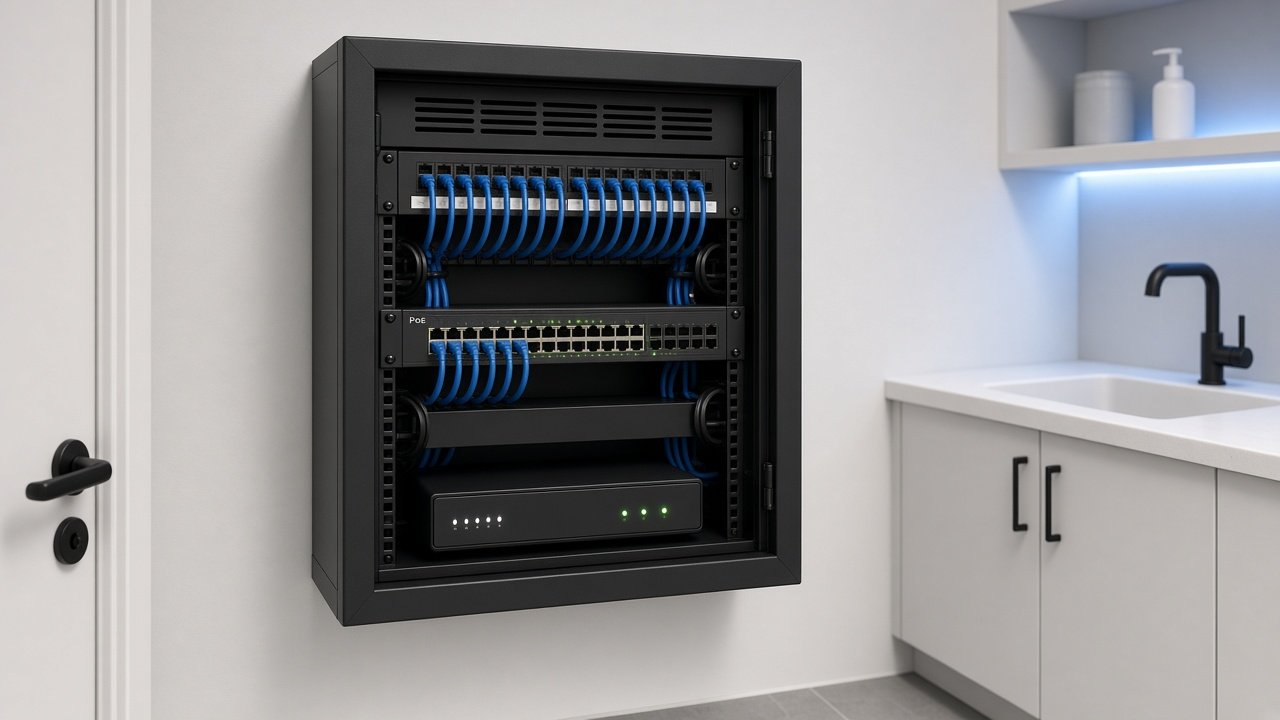
The rack is the heart of the network. We install it in a ventilated cupboard or utility room, laid out so every cable is accessible.
- Router and Managed Switches: PoE switches power and connect the access points and cameras.
- Patch Panel: cabling from every room ends on a panel, so changes are quick and clean.
- UniFi Console and Recorder: manages the network and stores camera recordings.
- Surge Protection: our rack installations use SurgeX power conditioning to protect the equipment.
- Cooling: AC Infinity fans keep the rack from overheating in a closed cupboard.
- Remote Monitoring: OvrC lets us see the rack remotely.
Rack sizes are matched to the project, from a compact rack in an apartment, as in Cuffe Parade, to a 35U rack in Bandra and 42U racks in Nagpur.
Networks for Offices and Commercial Spaces
Business networks carry video calls, cloud tools, cameras and visitors all day. We design and install business WiFi and wired networks on Ubiquiti, alongside commercial AV and conferencing, so the room technology and the network are planned together.
- Office WiFi and Cabling: coverage planned floor by floor, with cable to desks, meeting rooms and display points.
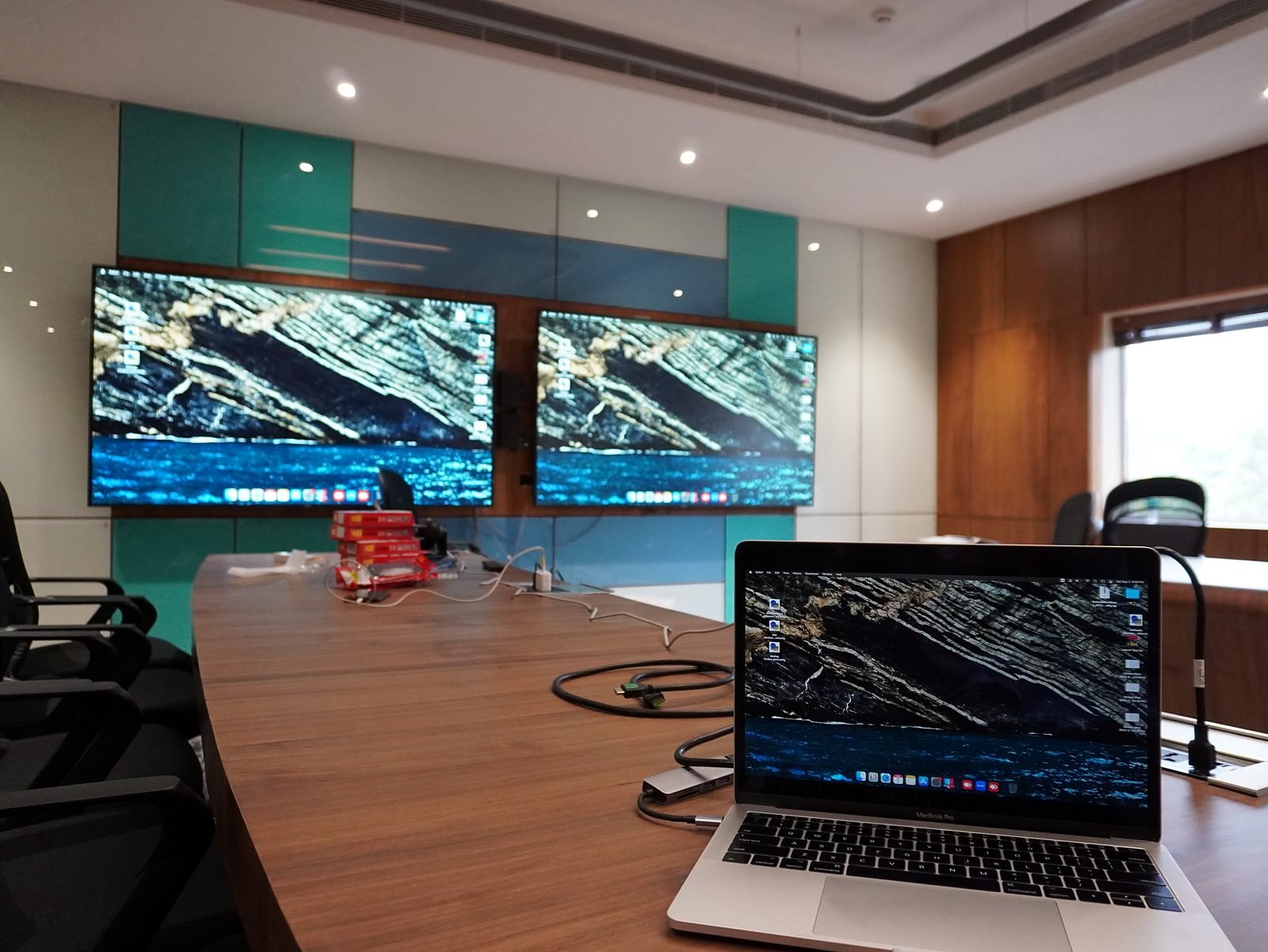
- Boardrooms and Meeting Rooms: structured cabling for HDMI, USB and network, so laptops connect at the table and conferencing runs smoothly. See our Parel boardroom project.
- Guest and Staff Separation: visitors and staff on different networks.
- Live Example: our Seawoods experience center runs its video wall, cameras and lighting on a network we designed.
How We Work
- 1
Survey
We study your layout, wall types, internet connection and every device, and walk the spaces where the network will run.
- 2
Design
A coverage and cabling plan with an equipment list and quote, sized for streaming, work and smart devices.
- 3
Install
Cabling, racks, access points and configuration by our own team, in new builds or finished homes.
- 4
Test and Support
We test coverage room by room, hand over a tidy, documented system, and stay on with annual maintenance plans (AMC).
Timelines depend on the size of the home and whether new cabling is needed. We give you a clear schedule with the quote.
Networks We Have Built
Bandra, Mumbai
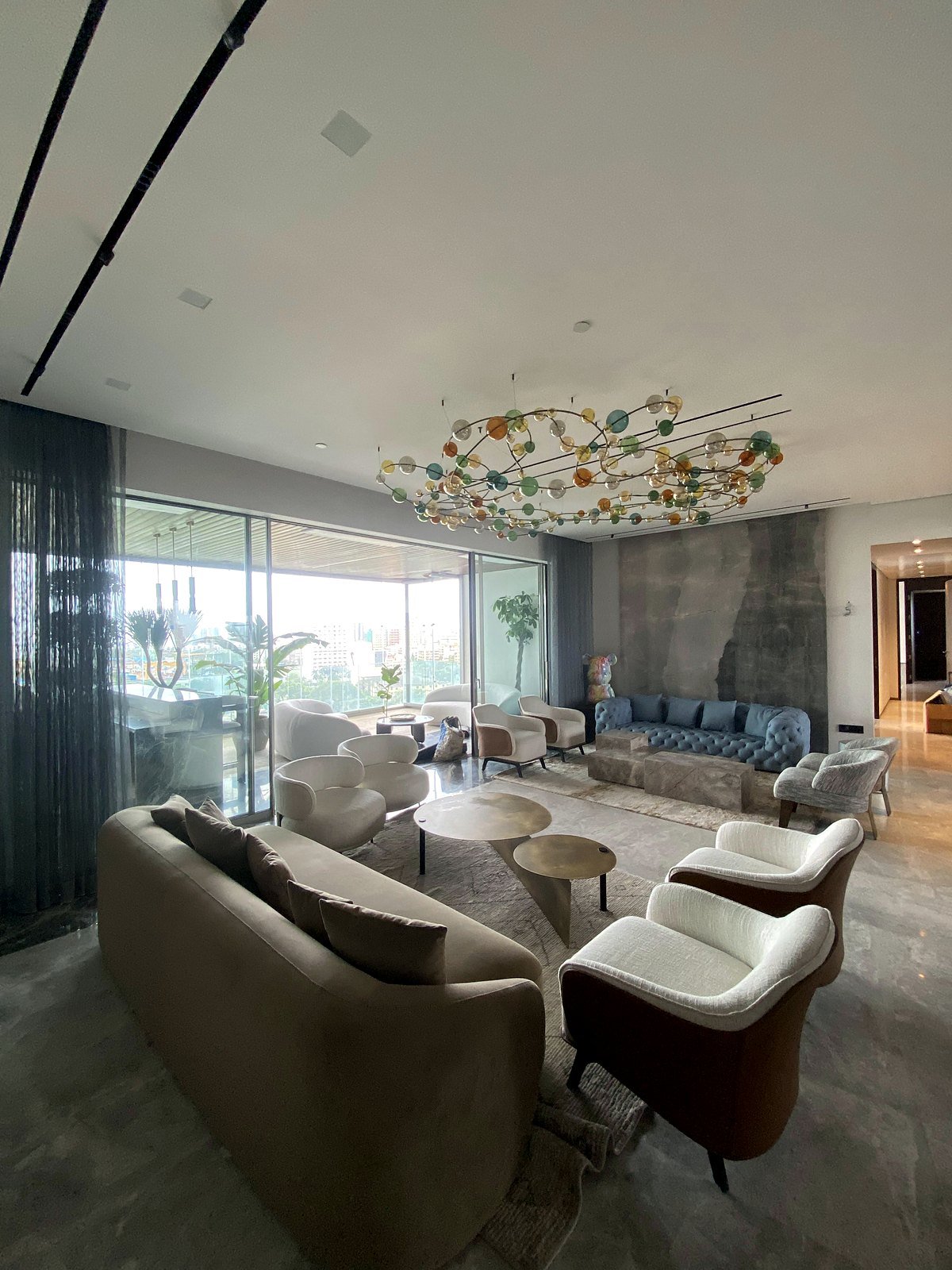
Smart Home in Bandra
WiFi 6 access points, a 24-port PoE switch, UniFi cameras and a 35U rack.
Read the case study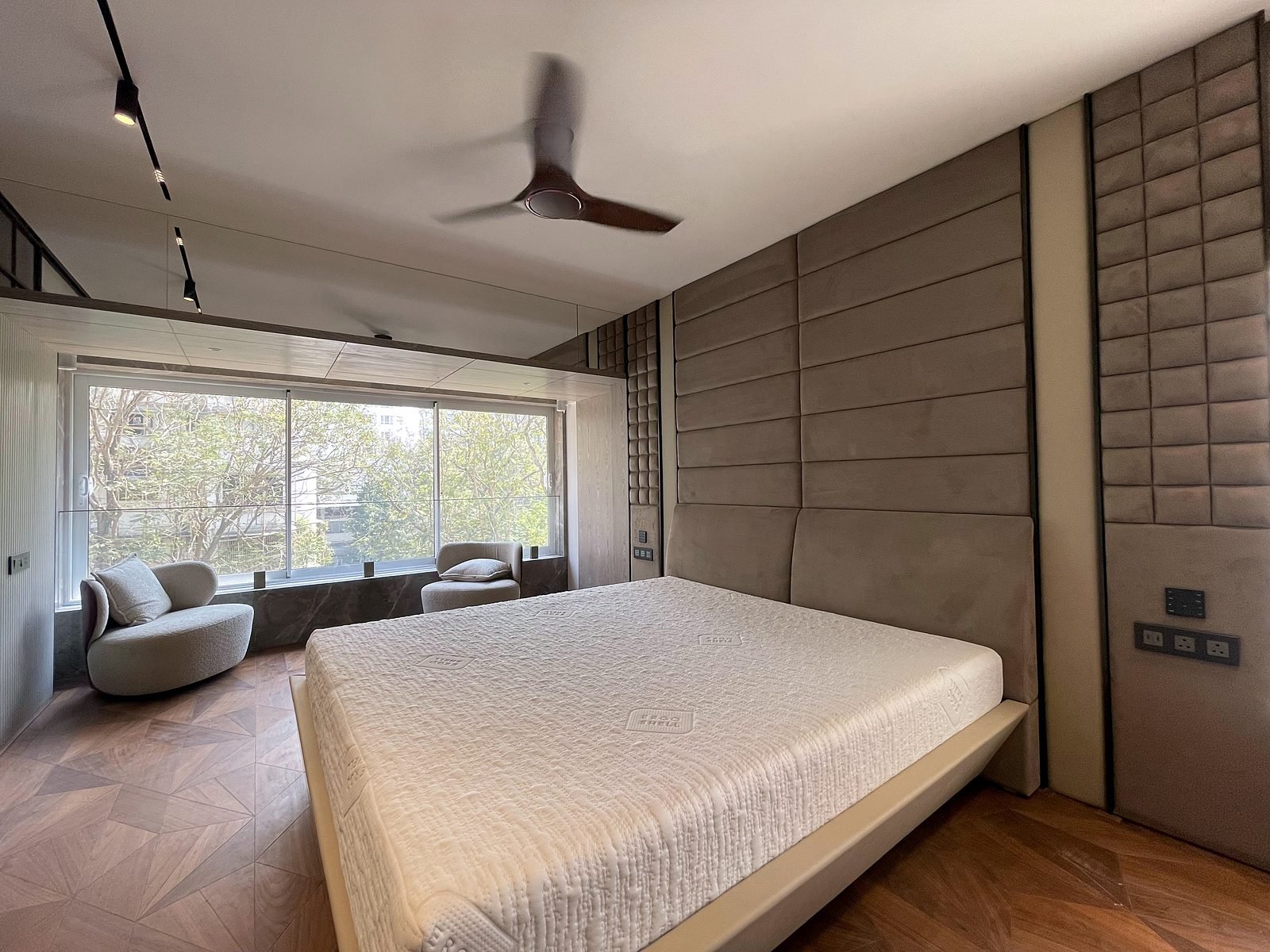
Cuffe Parade, Mumbai
Home Automation in Cuffe Parade
Ubiquiti WiFi, camera recorder and a rack with remote monitoring.
Read the case study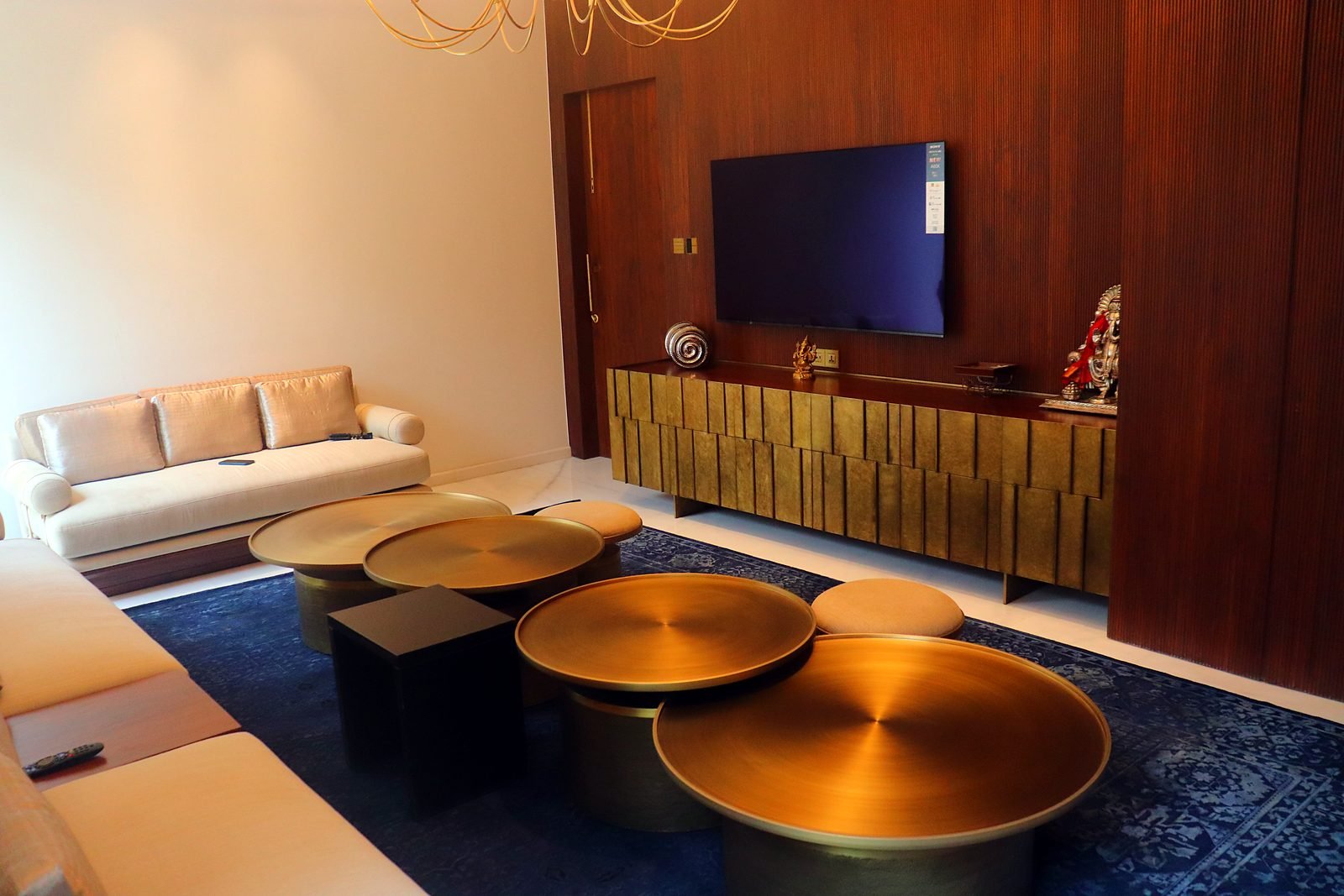
Nagpur
Six-Storey Smart Mansion in Nagpur
25 indoor and 3 outdoor access points, fibre backbone and three racks.
Read the case studySee and try it: Seawoods Experience Center, Navi Mumbai · Bangalore Experience Center. Related: Home automation · Smart security · Home theatre
Frequently Asked Questions
Why Is My WiFi Weak in Some Rooms?
Concrete walls, distance and the number of connected devices all weaken WiFi. A single router in one corner rarely covers a large apartment, duplex or villa. Several access points placed room by room and connected with cable usually remove the dead zones.
How Many Access Points Does My Home Need?
It depends on the layout, wall construction and how many devices you run, so we decide after a survey rather than by a rule of thumb. In our own projects the count has ranged from a handful of access points in an apartment to 25 indoor and 3 outdoor access points in a six-level home.
Is a WiFi Extender or Mesh Kit Good Enough?
Extenders and wireless mesh can help in a small home, but they share the same radio to talk to each other and to your devices. For larger homes and for streaming, we prefer access points connected back to the router by cable, which keeps each room fast and steady.
Do You Run Cables in a Home That Is Already Finished?
Yes, though a new build or renovation is the easiest time to do it. In a finished home we plan routes through existing conduits, false ceilings and cupboards, and tell you honestly where cabling is possible and where a wireless link is the better choice.
What Is a VLAN, in Simple Terms?
A VLAN splits one physical network into separate private lanes. Your laptops and phones can sit in one lane while cameras, smart-home controllers and guest devices sit in others, so a problem or an unknown device in one lane cannot reach the rest.
Can You Set Up Separate Guest and Kids Networks?
Yes. A guest network gives visitors internet without access to your files, printers or smart-home system. A separate network for children's devices lets you manage those devices on their own, without touching the rest of the home.
Will the Network Handle 4K Streaming and a Home Theatre?
A home theatre should use a cabled connection for the streamer, TV and media player, with WiFi kept for phones and tablets. We design the network around the devices in the room so playback is not competing with everything else in the house.
Do Smart Home Systems Need Their Own Network?
They do best on a network built for them. Automation controllers, keypads, cameras and music servers all talk over the network, so we give them a stable wired connection and keep them separate from guest and personal devices.
Can I Check My Cameras and Network When I Am Away?
Yes. Our installations use remote monitoring, so we and you can see the state of the network and equipment, and cameras can be viewed from your phone. We set up remote access with security in mind, and explain what is switched on.
Which Equipment Do You Use?
We build home and business networks on Ubiquiti UniFi, managed from one console, with structured cabling, PoE switches and a rack with surge protection and cooling. The exact equipment is chosen for your project.
Do You Work with My Existing Internet Connection?
Yes. We design around your current internet provider and plan, and can advise if your connection, not your WiFi, is what is holding you back. Our guide on how to increase WiFi speed covers the basics.
Do You Offer Maintenance After Installation?
Yes. We offer annual maintenance plans (AMC) to keep your network and connected systems updated and supported after handover.
Do You Work in Offices and Commercial Spaces?
Yes. We design and install business WiFi and wired networks for offices, boardrooms and commercial spaces, alongside AV and conferencing systems. See our commercial AV page.
Can I See a Network Running Before I Decide?
Yes. Our Seawoods experience center in Navi Mumbai and our Bangalore experience center run their video walls, cameras, lighting and control panels on networks we designed.
Get a Network That Works in Every Room
Tell us about your home or office, or visit one of our experience centers to see it running.